Features
Catches what you'd otherwise hear about from a user.
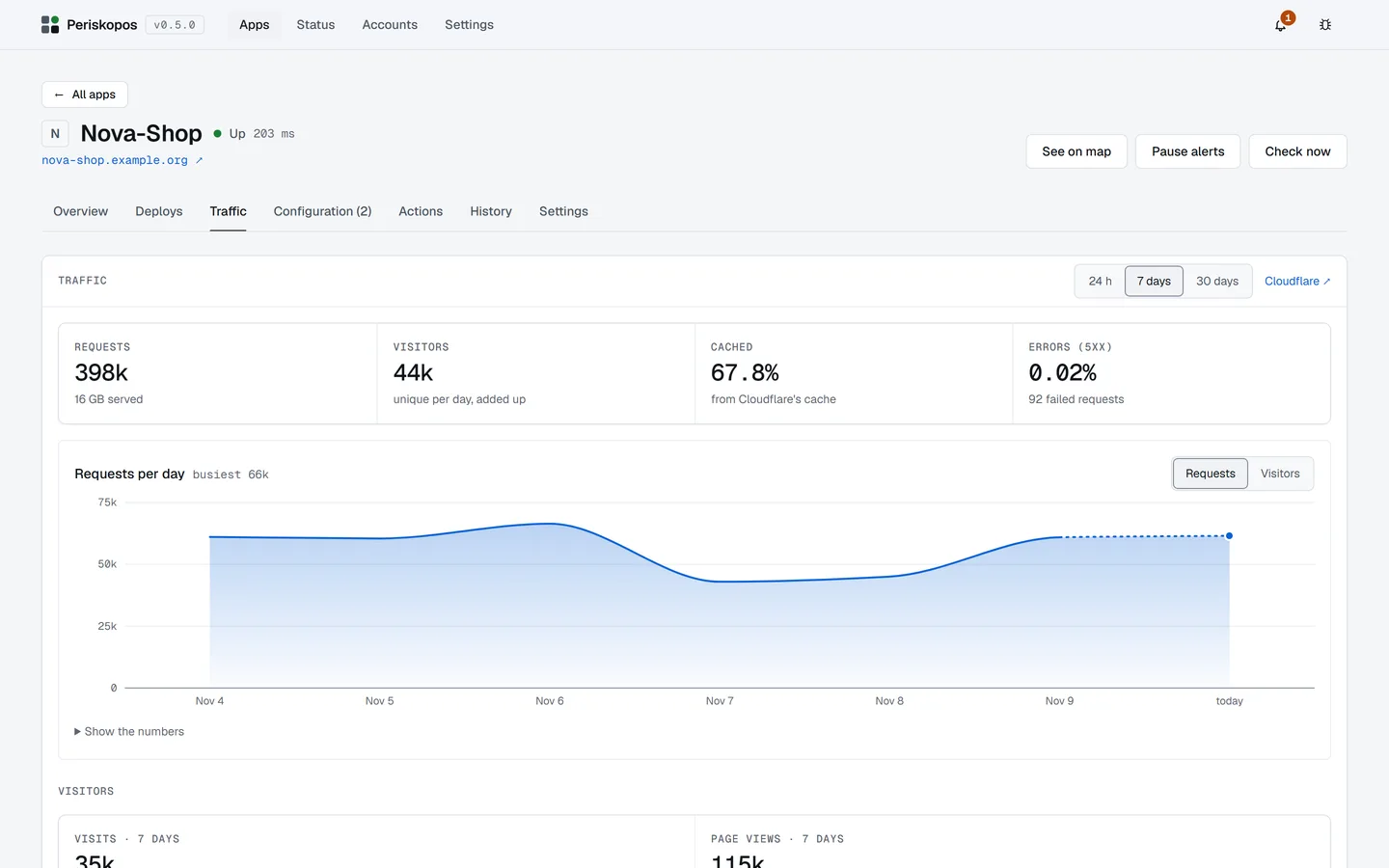
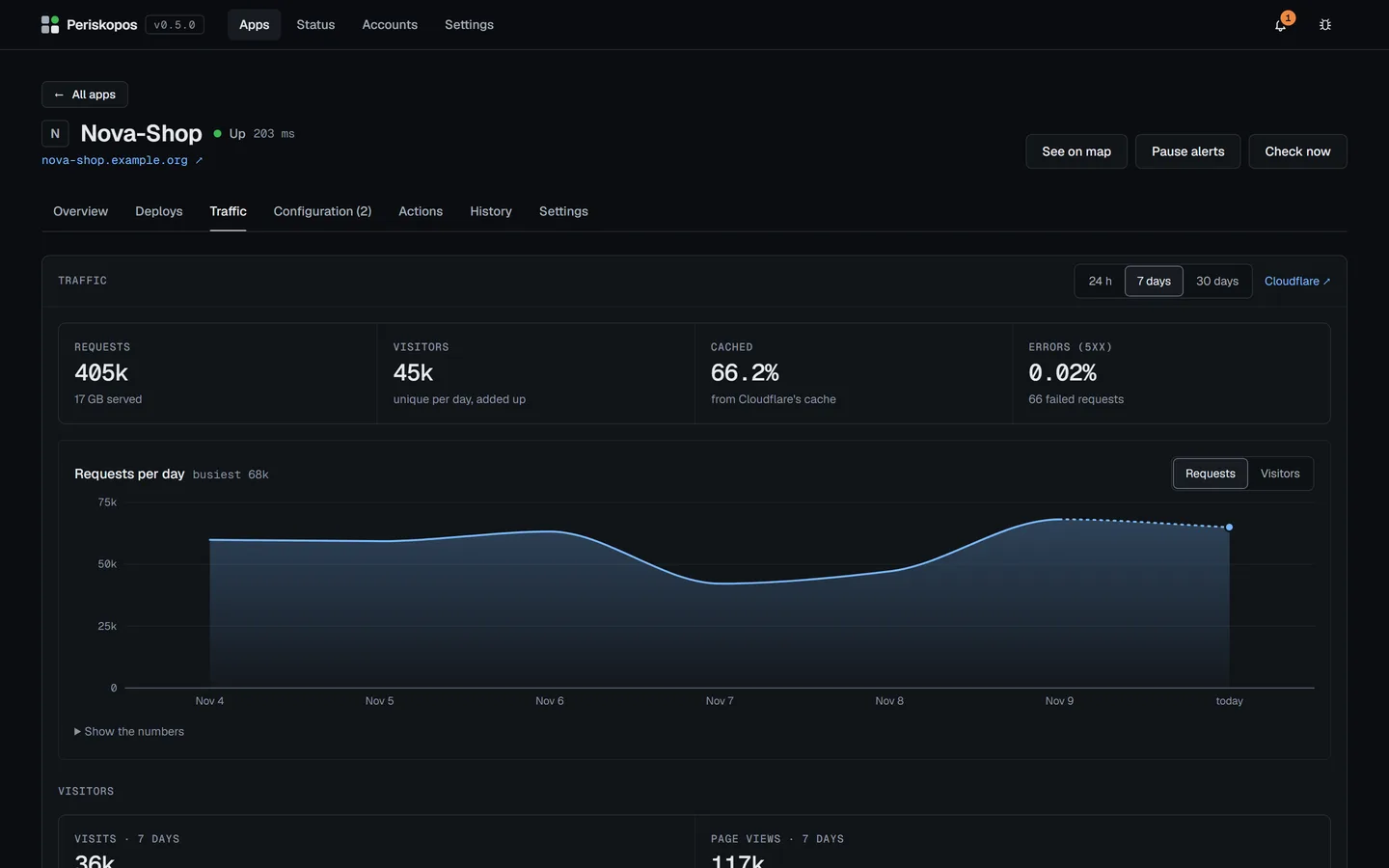
Uptime, deploys, configuration, errors, traffic and money for every app you ship, read straight from the services they already run on.
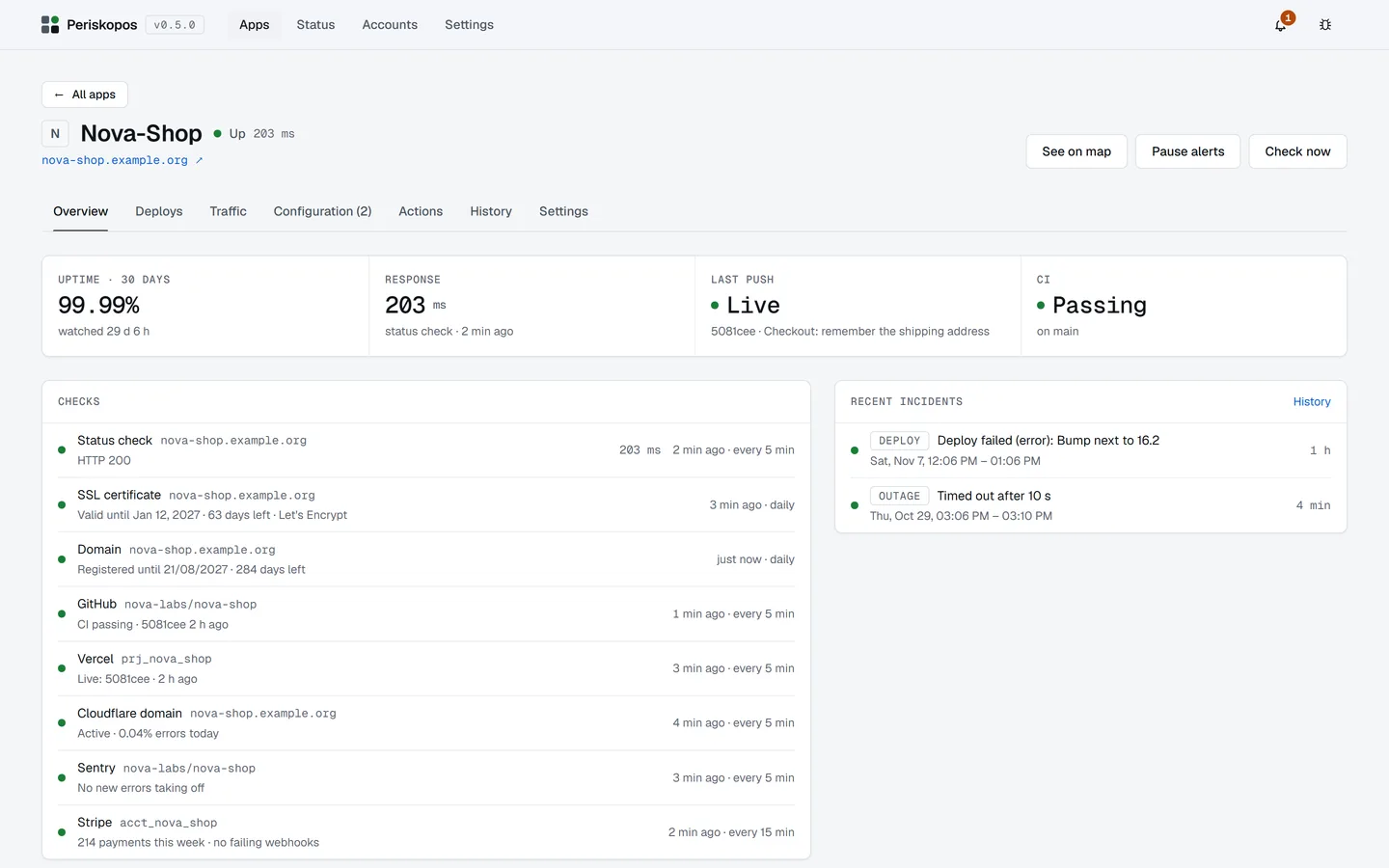
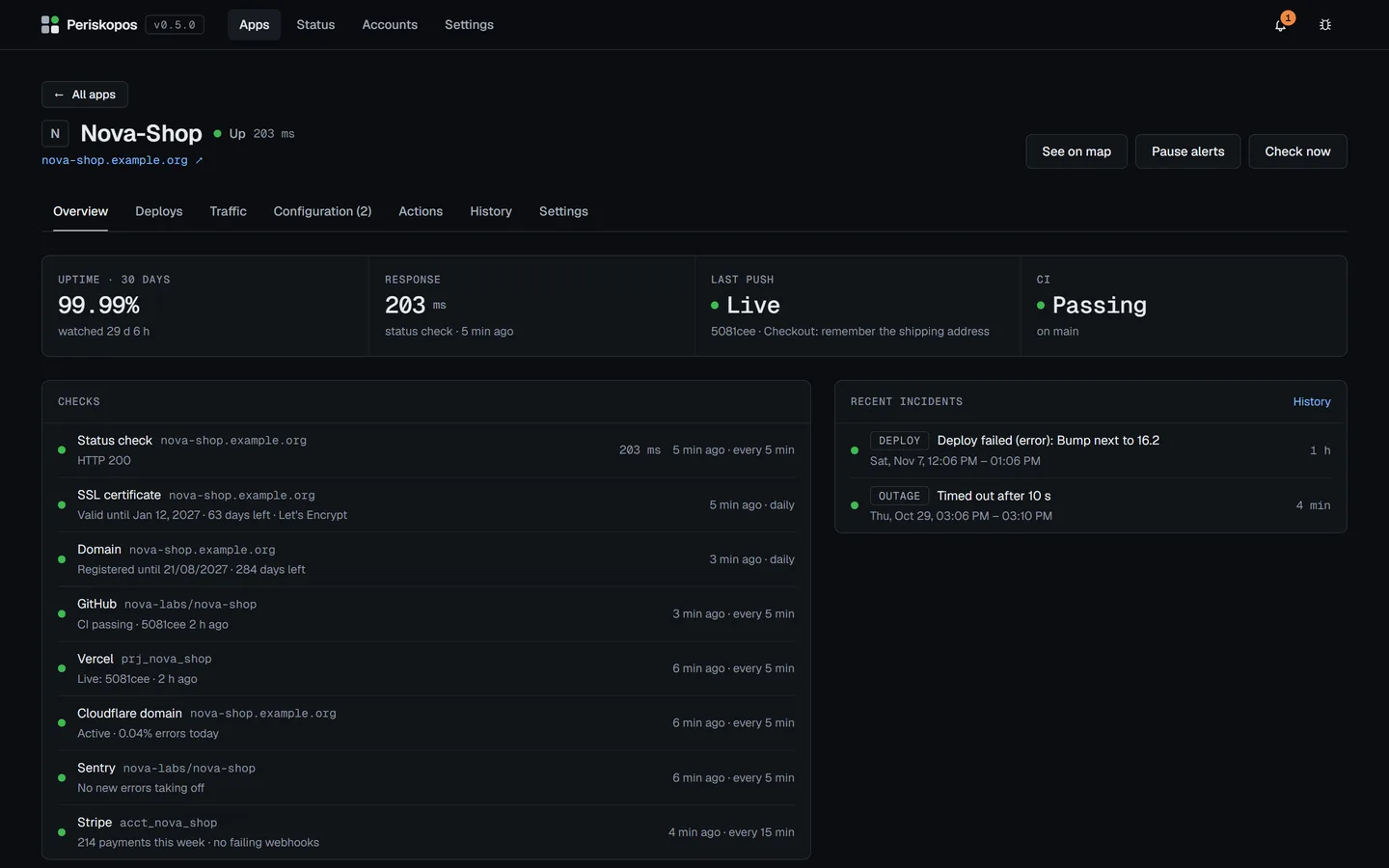
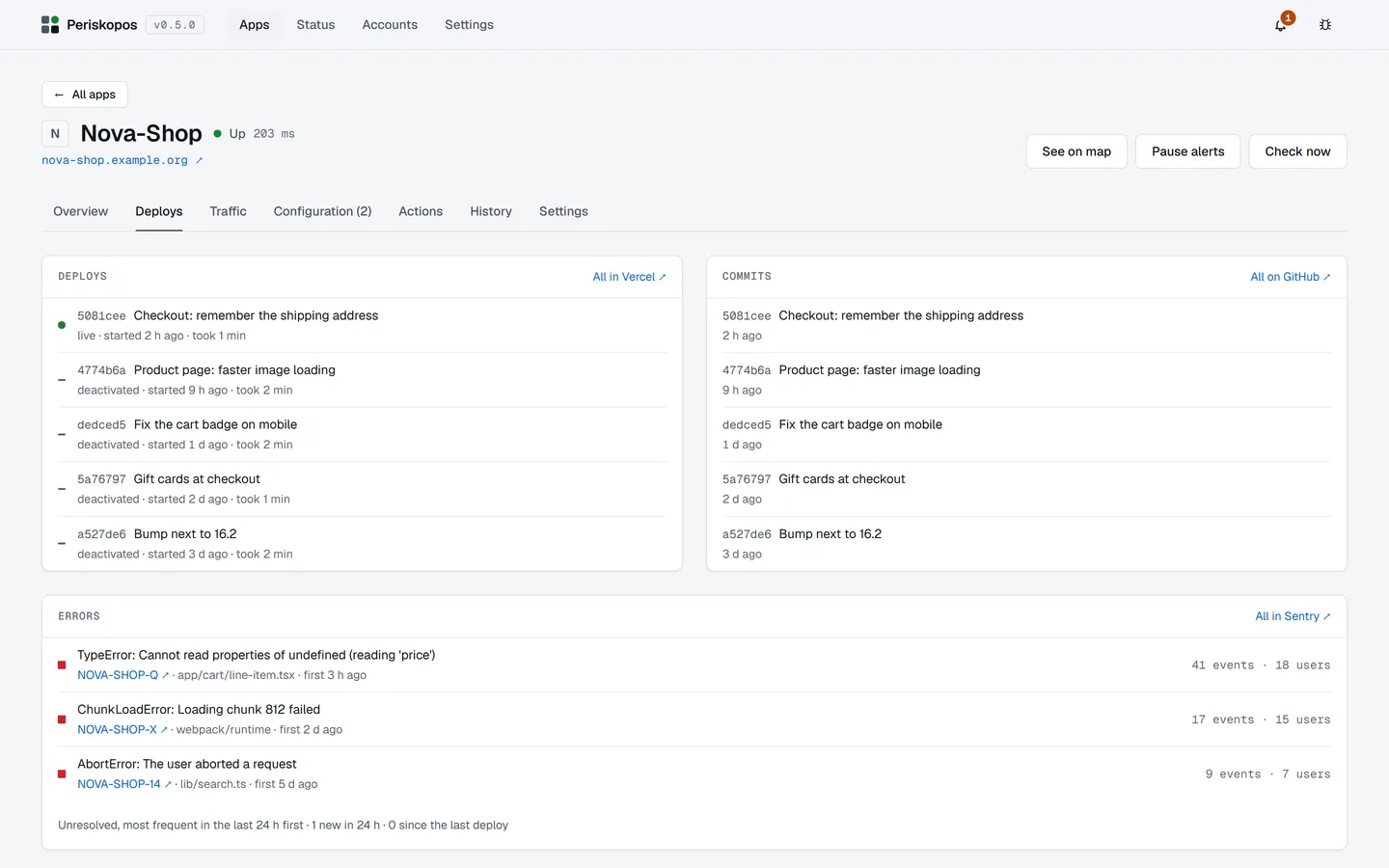
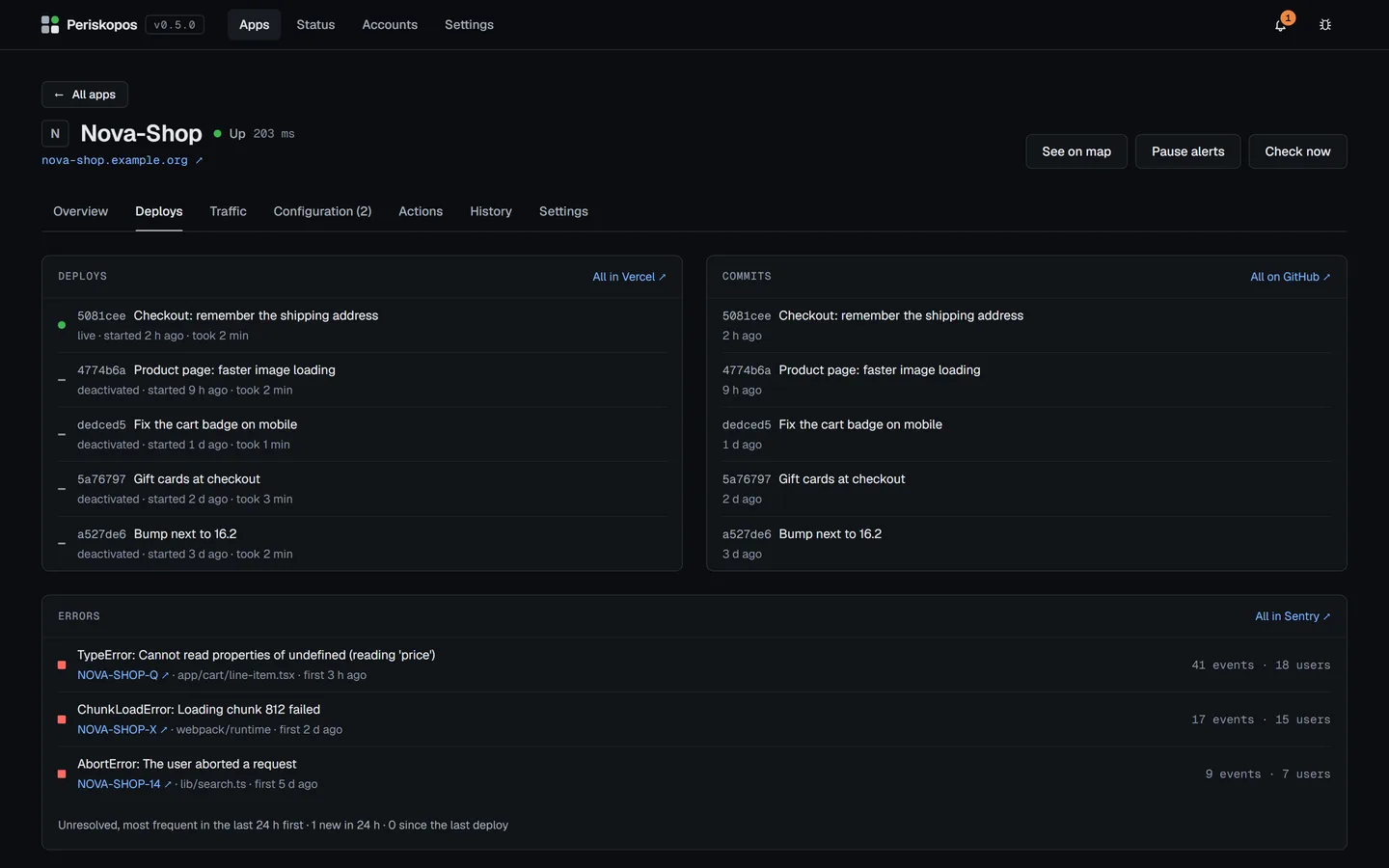
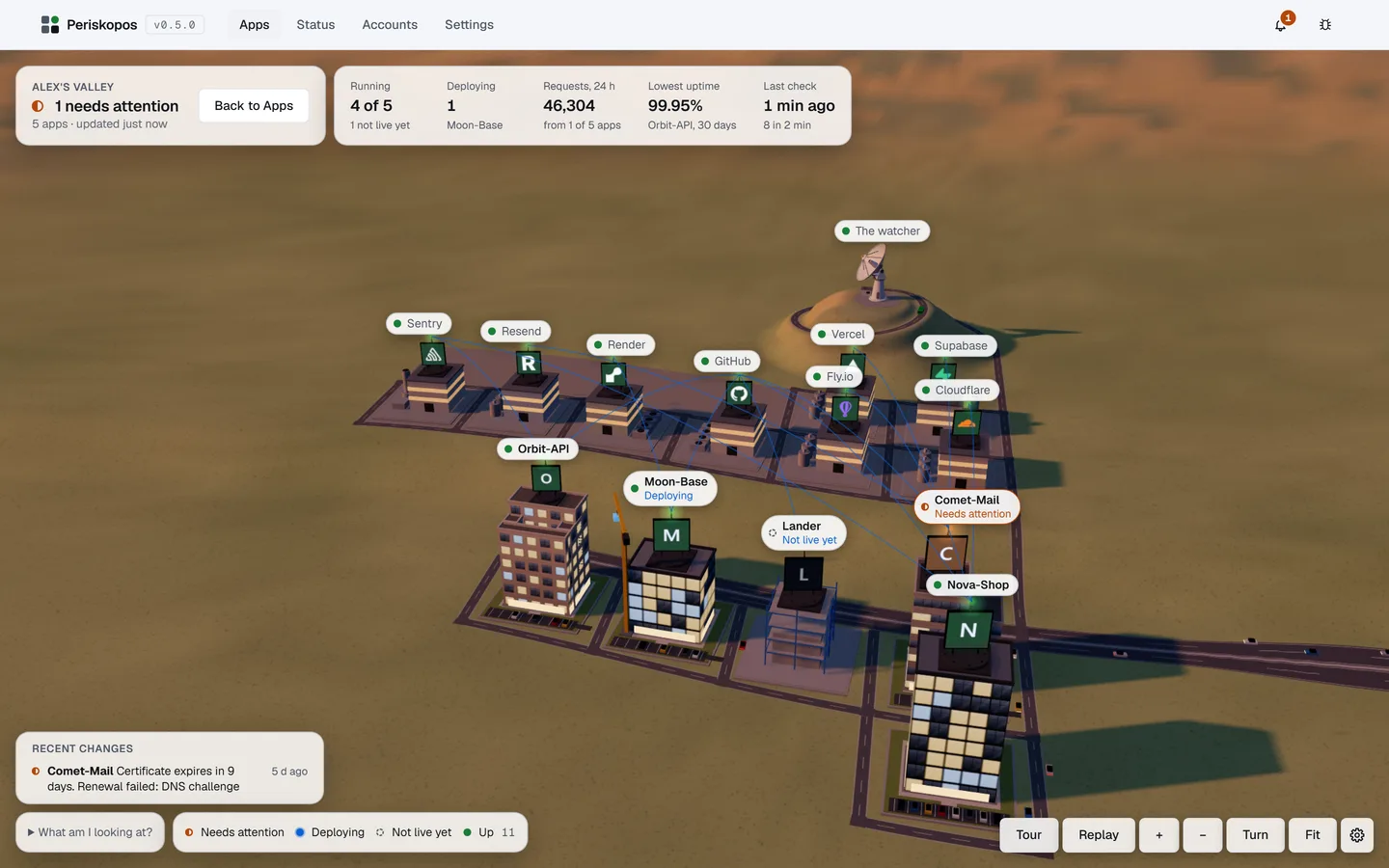
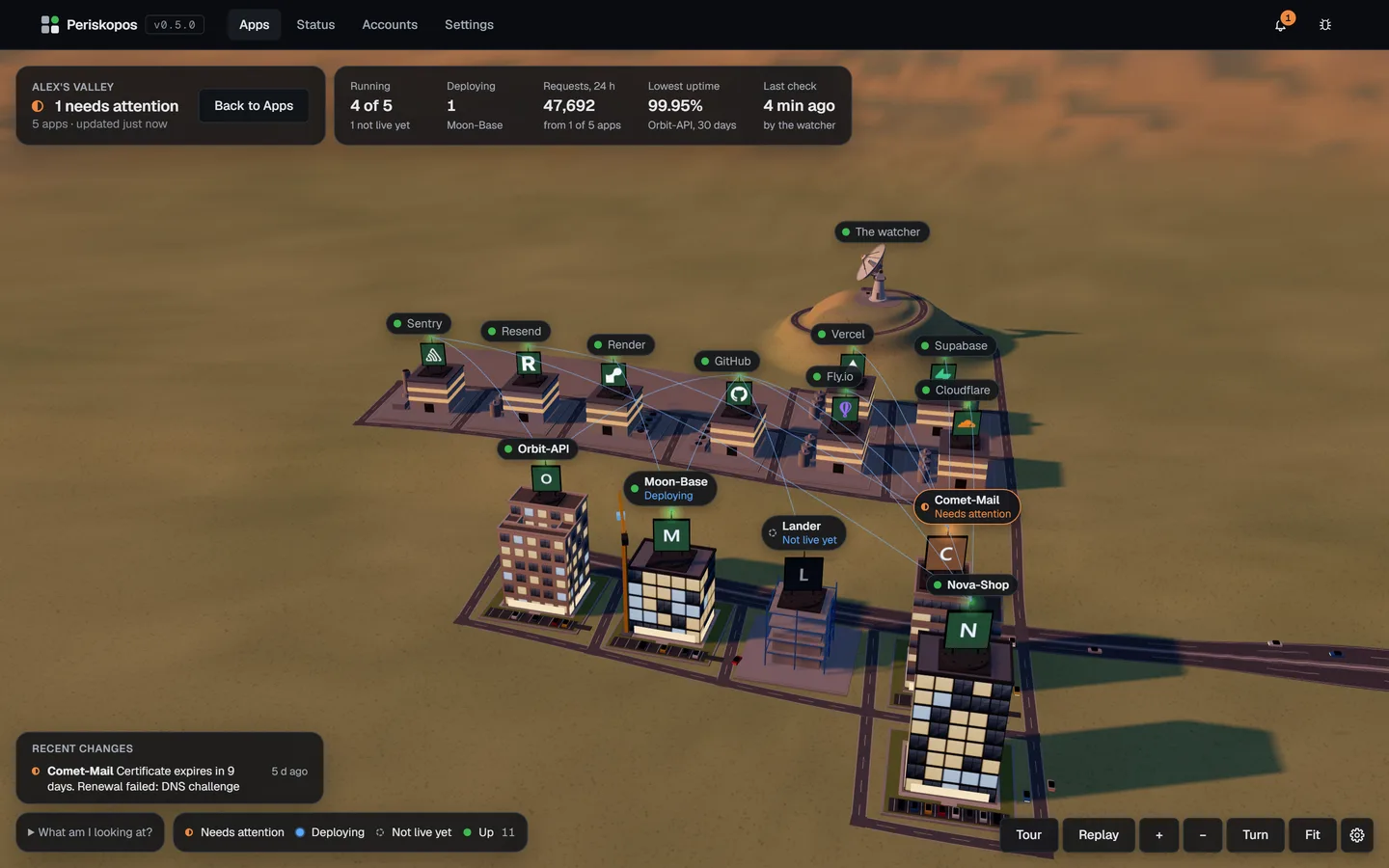
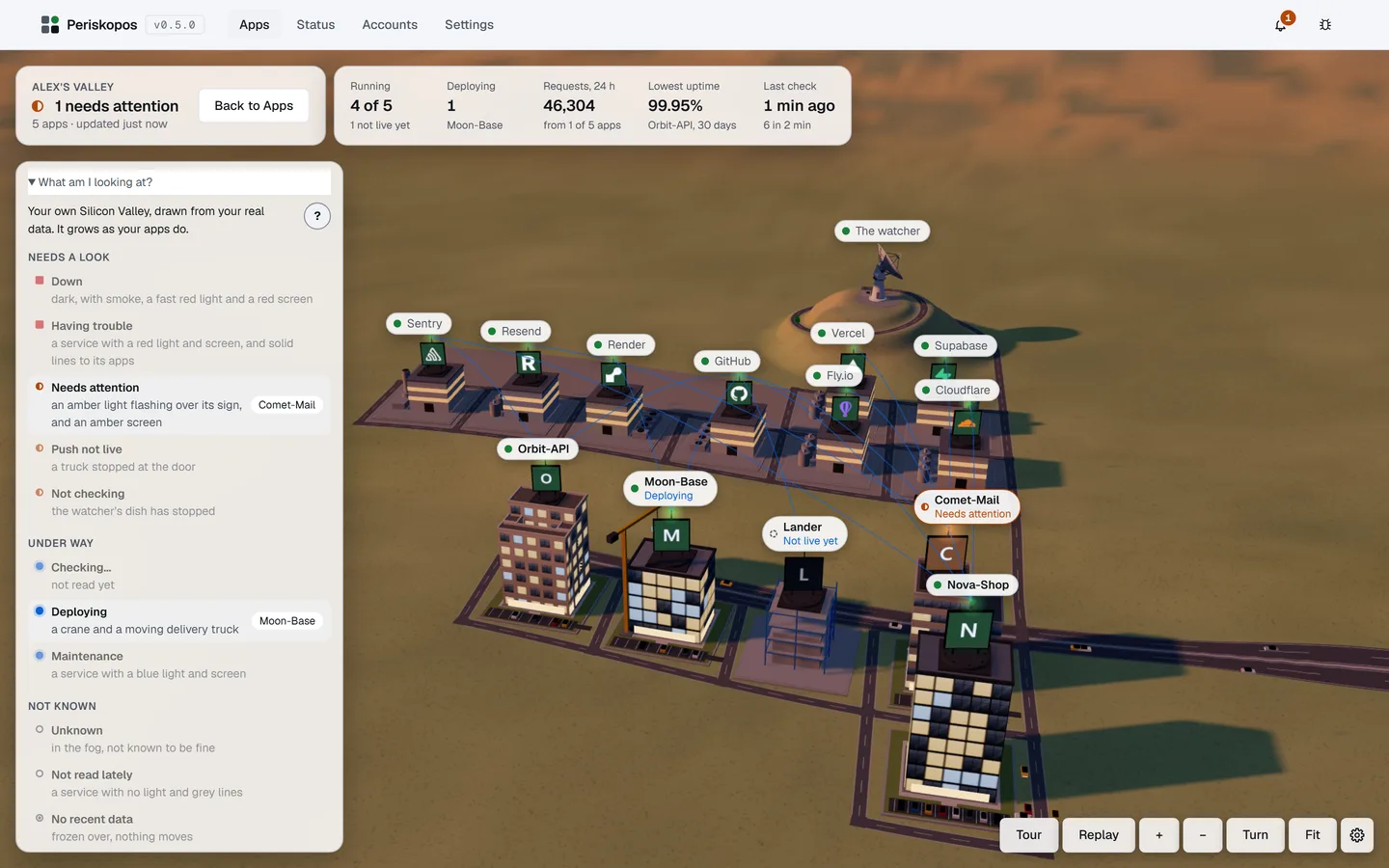
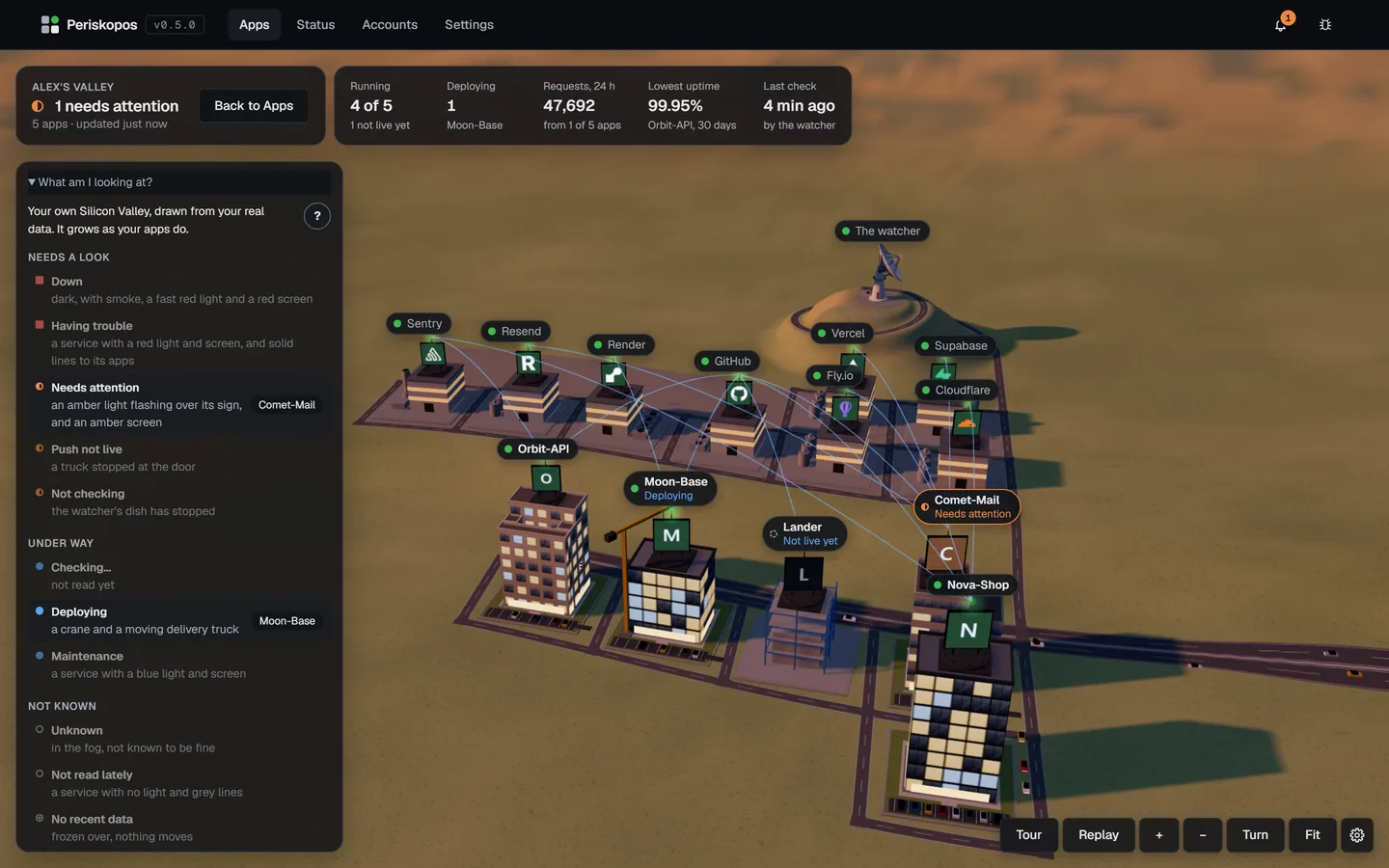
What it watches
Six things you'd otherwise check by hand.
- Configuration checks
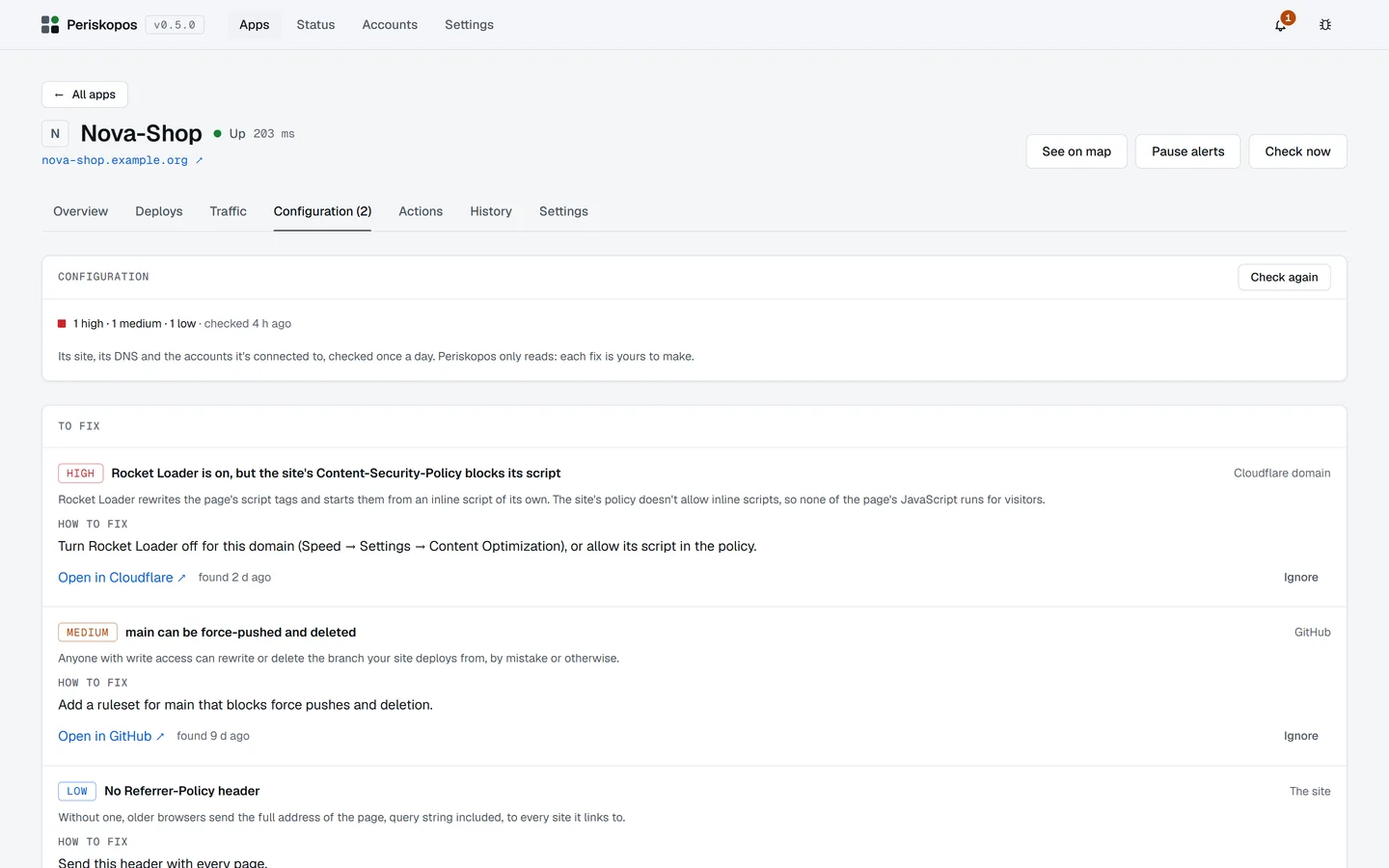
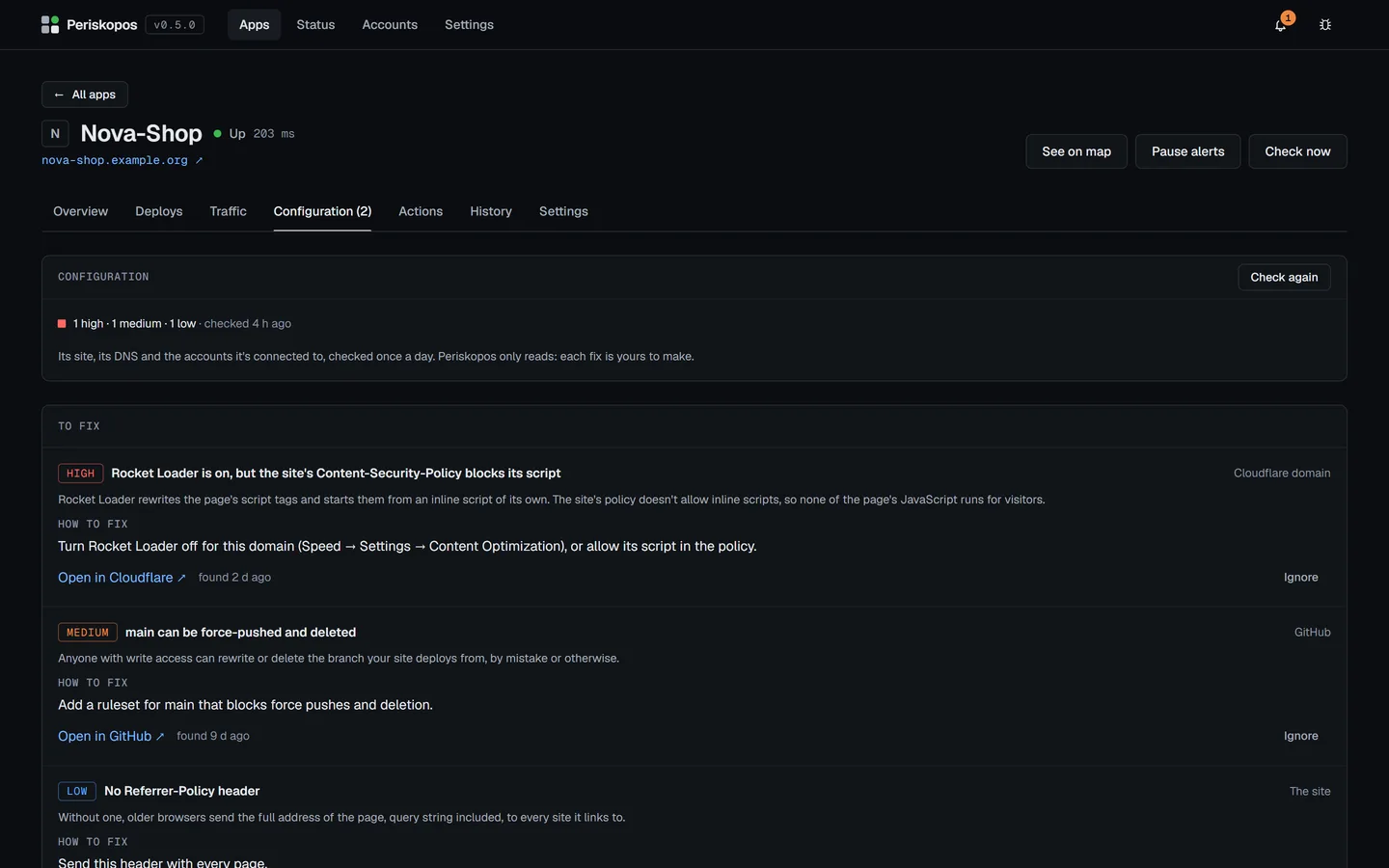
- Missing security headers, unsafe DNS, unprotected branches, tables without row level security, weak SSL modes. Each finding says why it matters and exactly how to fix it.
- Errors and logs
- Runtime errors from your host's logs and unresolved Sentry issues, with an alert when they spike. Read live from the provider, never copied to disk.
- Traffic, search and revenue
- Visitors, search clicks and this week's revenue from Cloudflare, Search Console, Google Analytics, Stripe and Paddle, on each app's page.
- Alerts that mean something
- On your desktop or your phone (ntfy, Telegram or email), only when something changes. No noise for a blip that fixed itself.
- Actions with a confirmation
- Redeploy, purge a cache or press your app's own buttons, without logging in anywhere. Every run is confirmed first and recorded.
- Your app's own numbers
- Want signups or queue length next to uptime? Add one small endpoint to your app and they show up. Periskopos writes the code for you.
Works with
Reads the services you already use.
Paste a key once per account and Periskopos suggests what to connect to each app. Keys are read-only wherever the provider allows it.
Hosting
- Cloudflare Workers & Pages
- Render
- Vercel
- Netlify
- Fly.io
- Railway
- DigitalOcean
- AWS Amplify
- Supabase Edge Functions
Source and CI
- GitHub
- GitLab
Databases
- Supabase
- Neon
- MongoDB Atlas
Domains and DNS
- Cloudflare
- Any domain
Registration, certificates, SPF, DMARC, CAA
Errors and logs
- Sentry
Runtime logs from seven hosts
Analytics
- Cloudflare
- Search Console
- Google Analytics
Payments
- Stripe
- Paddle
Email and more
- Resend
- SendGrid
- Clerk
- OpenAI spend
Keep watch all around.
Free for as many apps as you run. Add your first one from its address and see its uptime, certificate and configuration in under a minute.
v0.5.0 · What's newThe first time you open it
- Windows
- SmartScreen says "unknown publisher": choose More info, then Run anyway.
- macOS
- It won't open at first: choose Done, then Open Anyway in System Settings → Privacy & Security.
- Linux
- Make the AppImage executable with
chmod +x, then run it.
These go once the app is code-signed (code signing policy).
Watchtower: an optional hosted watcher that keeps checking while your computer is off, and wakes you when it matters. Planned at $6 a month. Join the waitlist →