
Providers
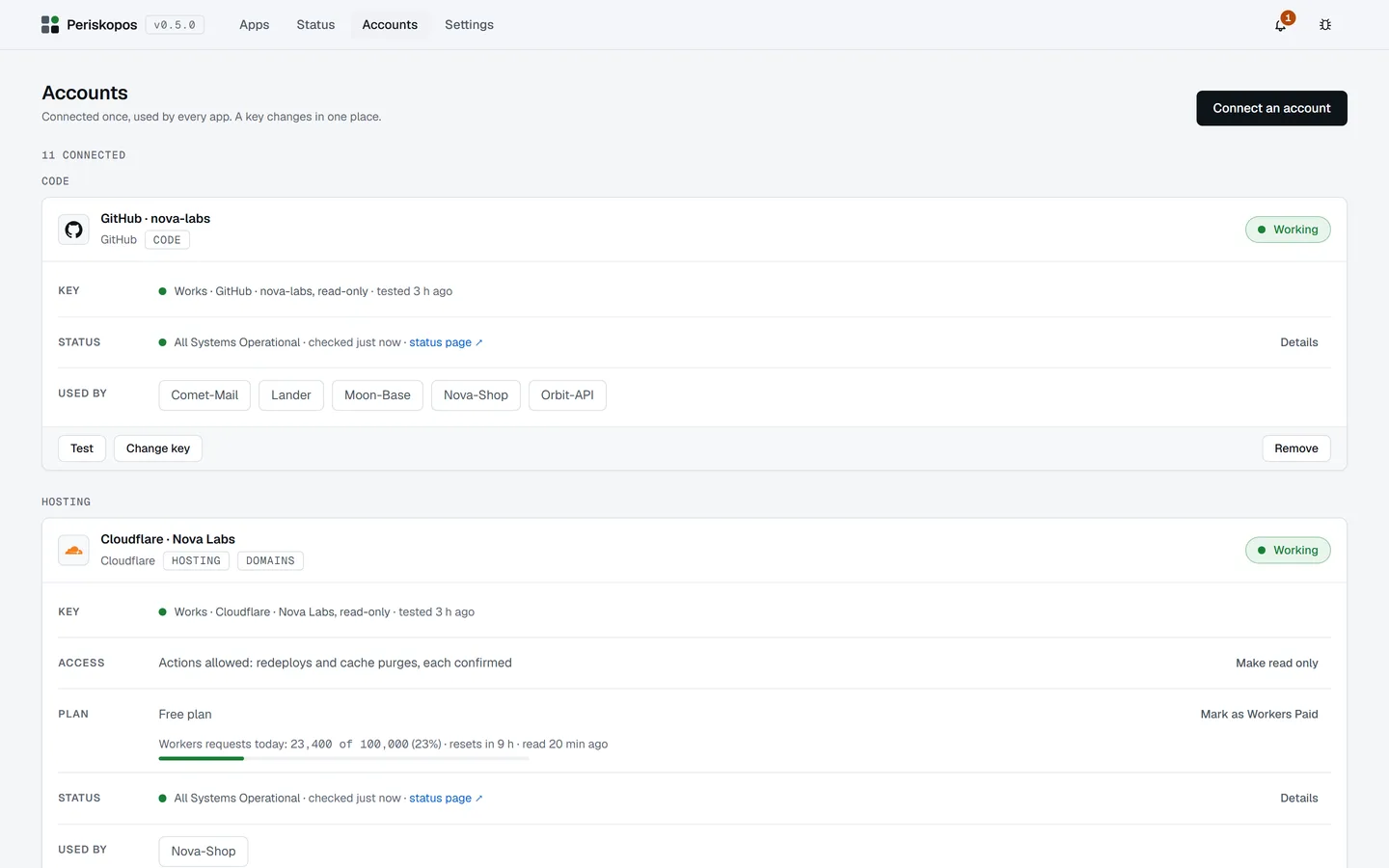
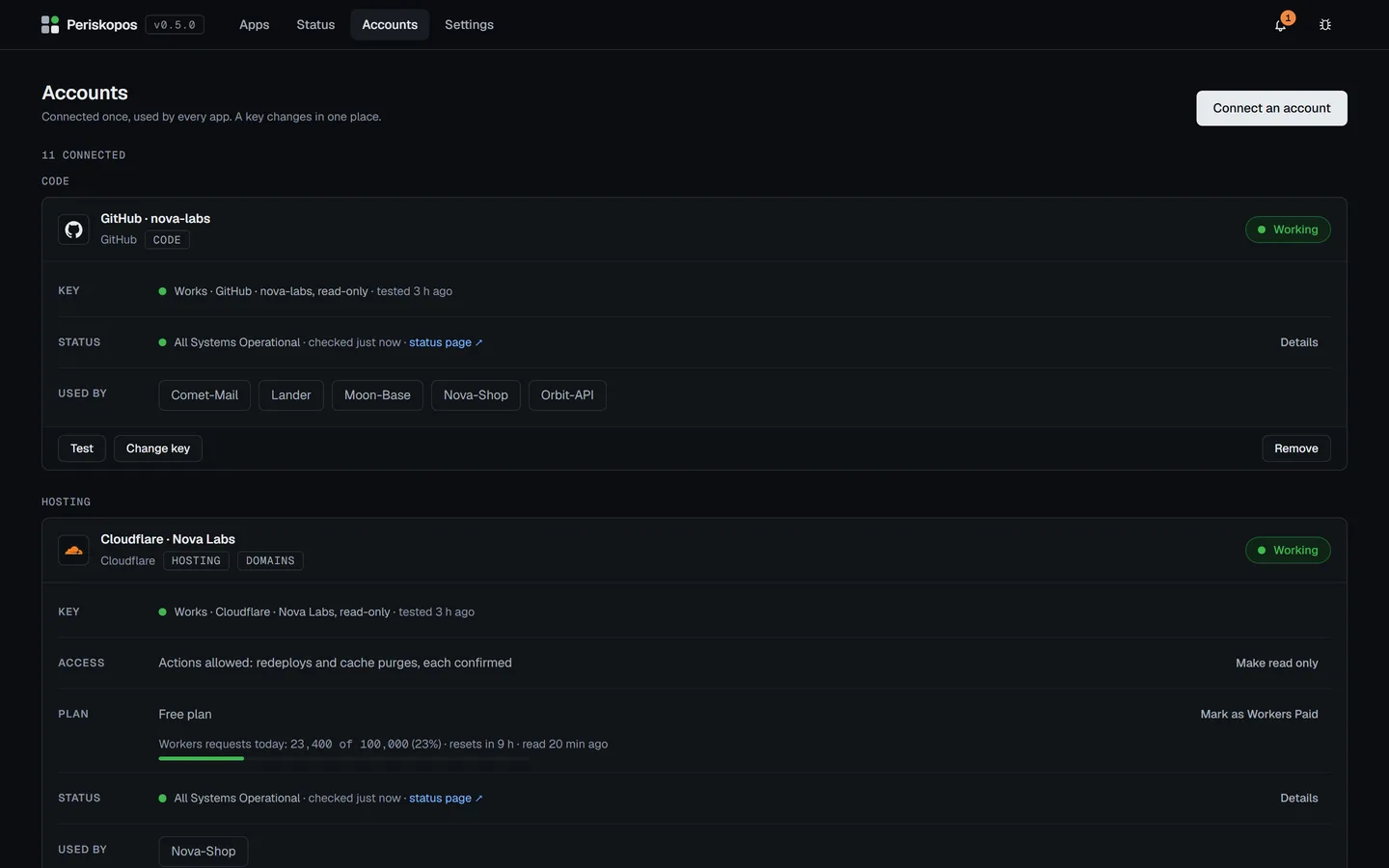
Which accounts Periskopos can connect, the key each one needs, and what it watches with it. Paste a key on the Accounts page, or put it in the keys file under the name shown. Periskopos only reads with a key unless you switch on Allow actions for that account (some providers’ tokens can’t be made read-only; each section says so).
Hosting
Section titled “Hosting”Cloudflare
Section titled “Cloudflare”CLOUDFLARE_API_TOKEN, or paste it on the Accounts page, whose setup lists
the permissions: Account: Account Settings, Workers Scripts, Workers Builds
Configuration, Cloudflare Pages, Account Analytics; Zone: Zone, Zone
Settings, DNS, Analytics, SSL and Certificates, Bot Management, Email
Routing Rules, Zone Security Center Insights; all Read, plus Cache Purge to
allow purging. For Workers runtime errors, also Account: Workers
Observability: Edit (Cloudflare only accepts Edit for reading logs;
Periskopos only reads). To allow redeploying Pages projects, Cloudflare
Pages: Edit instead of Read. Under Resources, choose All accounts and All
zones. What it watches is on its own page.
Render
Section titled “Render”RENDER_API_KEY (Account settings → API keys).
Vercel
Section titled “Vercel”VERCEL_TOKEN (Account Settings → Tokens), scoped to your account or to the
team your projects are in. Each project shows its production deploys and
whether your last push is live, and needs attention when a deploy fails or
runs far longer than usual; Redeploy builds the live deploy again. Vercel
tokens can’t be read-only, so Periskopos only reads unless you allow
actions.
Netlify
Section titled “Netlify”NETLIFY_AUTH_TOKEN (User settings → Applications → Personal access
tokens). The same for a site’s production deploys; the published deploy is
the live one, and a canceled build isn’t a failure. Redeploy starts a new
production build.
Fly.io
Section titled “Fly.io”FLY_API_TOKEN, from fly tokens create readonly personal. Read through
the Machines API, which keeps no deploy history: an app shows the releases
its Machines run, and needs attention when a Machine fails, a release rolls
out far too long, or a running Machine fails its health checks. It can’t
tell whether your last push is live (Fly doesn’t record the commit), and
only your personal organization is listed.
Railway
Section titled “Railway”RAILWAY_TOKEN (Account → Tokens, No workspace). Each service shows its
deploys in its project’s production environment, with the commit each
built; a failed or crashed deploy needs attention, and Redeploy deploys the
live one again. Railway’s status page isn’t in the usual format, so it isn’t
watched.
DigitalOcean
Section titled “DigitalOcean”DIGITALOCEAN_TOKEN, a personal access token (API → Tokens) with Custom
Scopes account: read and app: read, plus app: update to allow
Redeploy. Each App Platform app shows its deploys and whether your last push
is live, and needs attention when a deploy fails or runs far longer than
usual, like Render. Its status page counts only App Platform, the API and
Container Registry, in any region.
AWS Amplify
Section titled “AWS Amplify”AWS_AMPLIFY_KEY, an IAM user’s access key pasted as ID:SECRET:REGION,
allowed amplify:ListApps, ListBranches, ListJobs (and StartJob for
Redeploy). Each branch’s builds, failed builds and Redeploy (for apps
connected to a Git repository). One key watches
one region.
Source and CI
Section titled “Source and CI”GitHub
Section titled “GitHub”Nothing, if the GitHub CLI is logged in (gh auth login). Otherwise
GITHUB_TOKEN, a fine-grained token with Actions and Contents Read-only,
plus Administration Read-only for the configuration checks (branch
protection, Dependabot, workflow permissions).
Security alerts: connect an app’s repository a second time as Repository · security alerts (the same GitHub account; the token also needs Dependabot alerts and Secret scanning alerts, Read-only). Checked every 6 hours: the app needs attention for any leaked secret or any dependency alert rated high or critical; lower ones are only counted. A scanner that’s switched off for the repository says so.
GitLab
Section titled “GitLab”GITLAB_TOKEN, a personal access token with read_api. Like GitHub:
commits, CI pipelines, whether your last push is live, and the end of each
failed job’s log. gitlab.com only.
Databases
Section titled “Databases”Supabase
Section titled “Supabase”SUPABASE_ACCESS_TOKEN (Account → Access Tokens). It can’t be limited to
read-only, so Periskopos only calls read endpoints.
NEON_API_KEY. A project is down when its compute is turned off or stuck,
an operation failed in the last day, a quota ran out, or its main branch is
full. Scaled to zero is normal.
MongoDB Atlas
Section titled “MongoDB Atlas”MONGODB_ATLAS_KEY, a service account (Organization Read Only) pasted as
CLIENT_ID:CLIENT_SECRET; add this computer’s IP to its API access list. A
cluster is down when paused or deleting, or when Atlas has an open alert for
it.
Errors
Section titled “Errors”Sentry
Section titled “Sentry”SENTRY_AUTH_TOKEN (User Settings → Personal Tokens) with Read on
Organization, Project and Issue & Event. An app connected to a Sentry
project gets an Errors section on its Deploys tab: its unresolved issues,
most frequent first, each marked when it started after the live deploy went
out. The app needs attention (not down) when a new error takes off: an
unresolved issue first seen in the last 24 hours with 10 events or more. AI
assistants see the same list. EU organizations are read in their own
region.
Analytics and search
Section titled “Analytics and search”Google Search Console
Section titled “Google Search Console”GOOGLE_SEARCH_CONSOLE_KEY, a Google Cloud service account’s JSON key:
paste the whole file on the Accounts page (it’s saved as one line), then add
the service account’s email as a Restricted user on each Search Console
property. Periskopos asks Google only for the read-only Search Console
scope. Each app on a property shows its clicks, impressions, position and
top queries over 7 and 28 days, and needs attention when clicks fall by half
or more week over week (from at least 50 clicks the week before).
Google Analytics
Section titled “Google Analytics”GOOGLE_ANALYTICS_KEY, a service account’s JSON key (the Search Console one
works) with the Analytics Data and Admin APIs on, added as a Viewer on each
property. Visitors over 7 and 28 days; an alert when they fall by half or more week
over week (from at least 50 visitors the week before).
Payments
Section titled “Payments”One Payments panel on an app’s Overview, whichever provider fills it: revenue over 7 days (against the week before) and 30 days per currency, failed payments, and webhooks. The app needs attention (not down) when failed payments in a day reach 5 and three times the usual, when a webhook endpoint is disabled, or when 3 or more events in a day are still undelivered after an hour. Checked every 15 minutes; AI assistants see the same figures.
Stripe
Section titled “Stripe”STRIPE_API_KEY, a restricted key with Read on Balance, Charges, Events and
Webhook Endpoints. A test key shows as test mode. Revenue is successful
charges less refunds; past 1,000 charges in 30 days it’s shown as a floor.
Paddle
Section titled “Paddle”PADDLE_API_KEY with Read on Transactions, Subscriptions and Notifications;
a sandbox key reads the sandbox. Adds past-due subscriptions. Failed
payments are past-due transactions, and webhooks are notifications Paddle
couldn’t deliver.
Resend
Section titled “Resend”RESEND_API_KEY, a Full access key (API Keys → Create API Key): a Sending
access key can’t read domains. Periskopos only calls read endpoints. Each
app connected to its sending domain needs attention when the domain stops
being verified (a DNS record broke or changed), before its emails stop
arriving. Phone alerts by
email use PERISKOPOS_RESEND_API_KEY, which can be the same key.
SendGrid
Section titled “SendGrid”SENDGRID_API_KEY, restricted, with Read on Sender Authentication and
Stats. A sending domain that stops being authenticated, or a week with over
5% bounces or 0.3% spam reports across the account, needs attention
(judged from 100 emails a week). Accounts in SendGrid’s EU region aren’t
supported yet.
CLERK_SECRET_KEY of the Production instance. Whether its Backend API
answers, its users and this week’s sign-ups.
OpenAI
Section titled “OpenAI”OPENAI_ADMIN_KEY, an admin key (only those can read costs). Spend this
month per project or for the whole organization, and an alert past the
monthly budget set when connecting it.
A provider that isn’t here
Section titled “A provider that isn’t here”New providers are welcome: each is one file in the app. See CONTRIBUTING.md.