
Connecting an assistant
Periskopos includes an MCP server, so any AI assistant that speaks MCP (Claude Code, Claude Desktop, Cursor, VS Code, Windsurf…) can answer “is Nova-Shop up, is my last push live, how many visitors this week?” in any session. It is a thin client of the running Periskopos app (it doesn’t read your keys itself), so the app must be running.
Switch it on
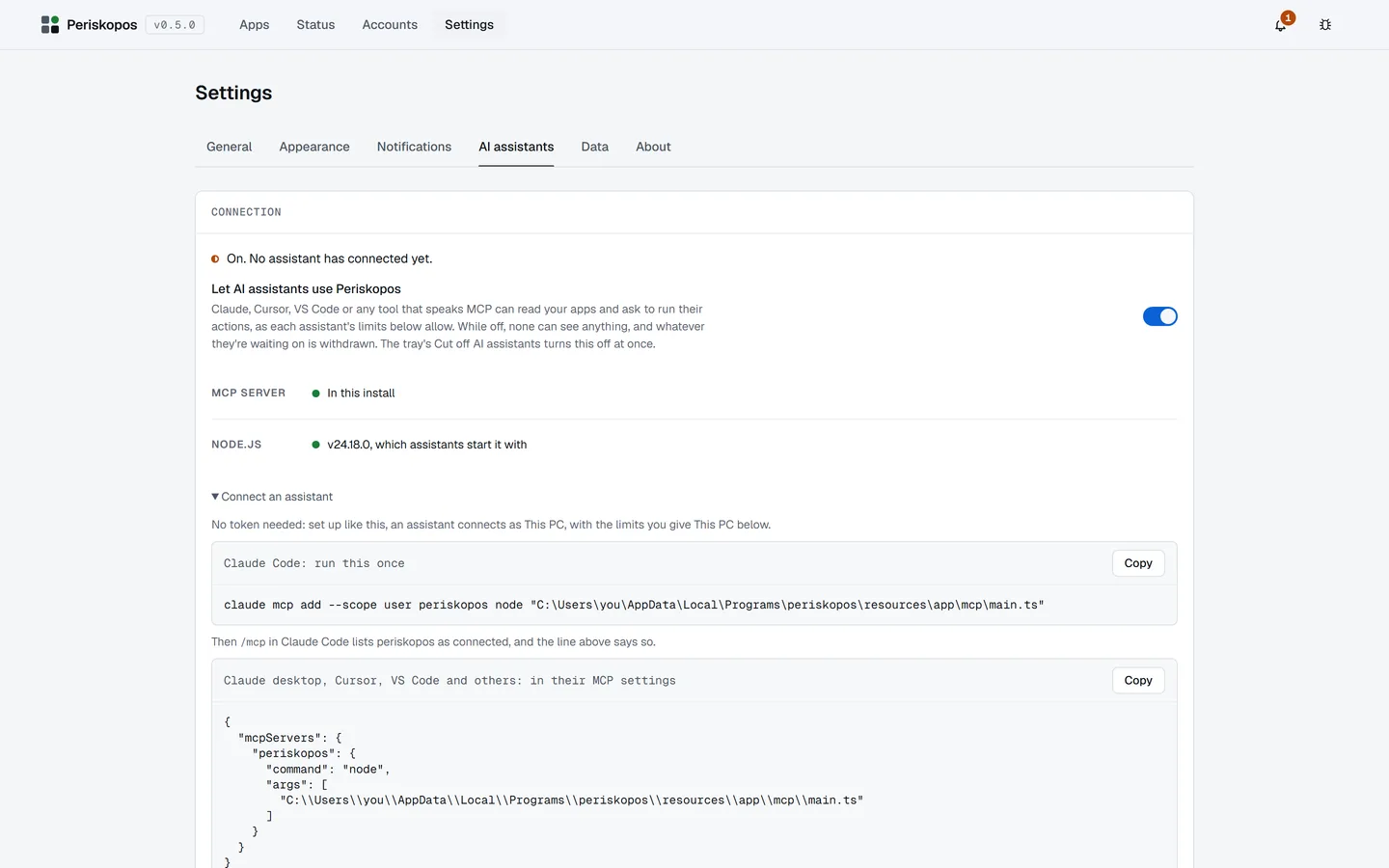
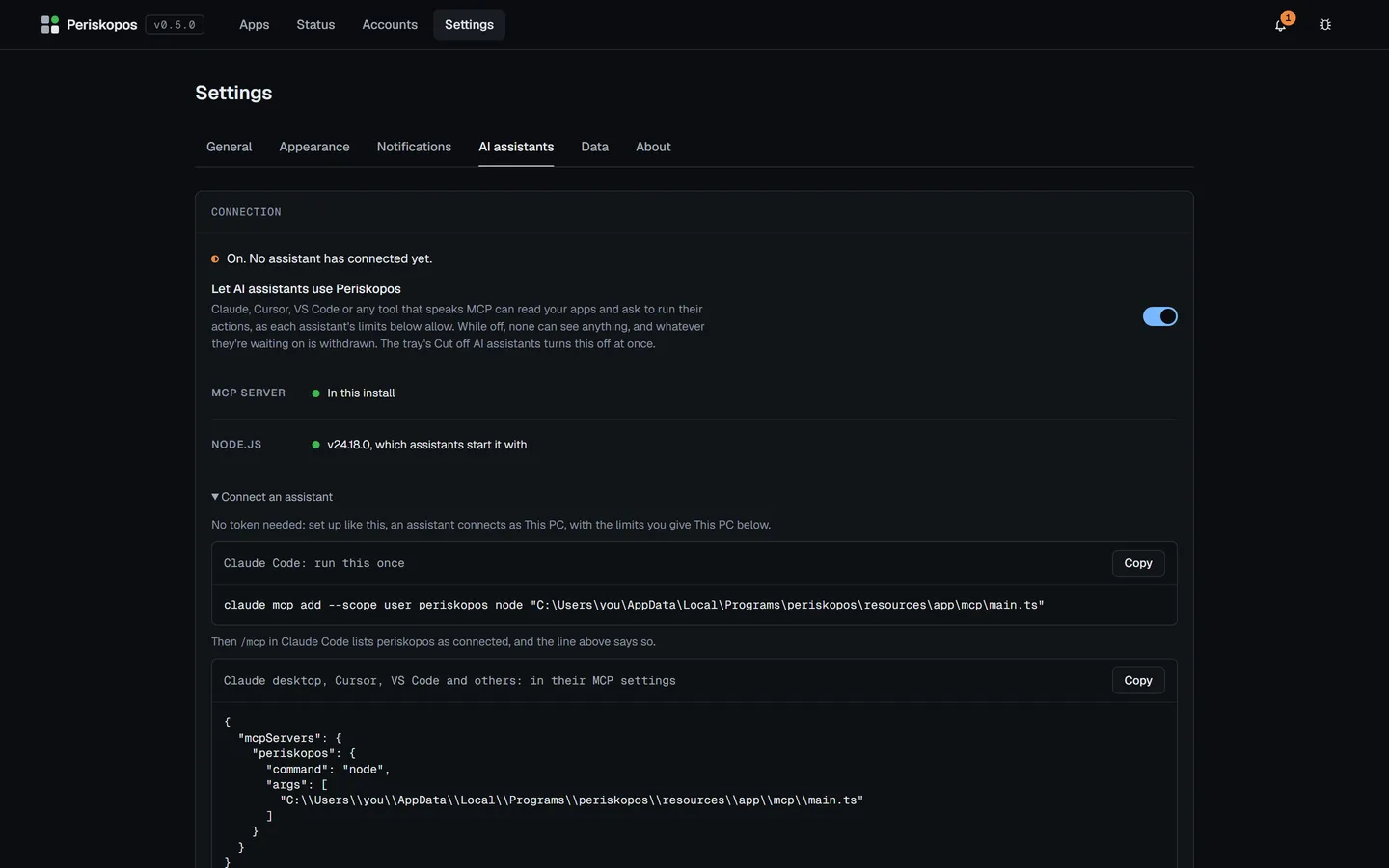
Section titled “Switch it on”Settings → AI assistants → Connection is where it stands: on or off,
whether the MCP server can start (it’s in the install, and node 24 or
later is on PATH), and who’s connected (“Claude Code is connected · last
request 20s ago”).
Assistants are shut out until you switch on Let AI assistants use Periskopos there. Switching it off, or Cut off AI assistants in the tray, withdraws anything one is waiting on.
Connect
Section titled “Connect”Connecting needs no token. Connection → Connect an assistant gives the command with this install’s path. In Claude Code (PowerShell too):
claude mcp add --scope user periskopos node "C:\Users\you\AppData\Local\Programs\periskopos\resources\app\mcp\main.ts"/mcp in Claude Code then lists periskopos as connected.
Claude Desktop, Cursor, VS Code and others take the same as JSON in their
MCP settings (for Claude Desktop, claude_desktop_config.json: Settings →
Developer → Edit config, then restart Claude).
The MCP server finds the running app’s token by itself (the installed app’s
data folder first, then a checkout’s data/; PERISKOPOS_DATA_DIR points
it elsewhere), and connects as the assistant This PC. Periskopos is told
which tool is calling (it introduces itself over MCP), and the approval
dialog and History name it: “Cursor asks to run Purge cache…”.
The tools
Section titled “The tools”Nine tools only read:
| Tool | What it answers |
|---|---|
list_apps |
Every app and how it’s doing |
get_app |
Every check on one app, including a Cloudflare Worker’s deploys, the domain’s health and the host’s runtime errors |
check_app |
Checks one app now, like Check now, so an assistant can confirm a fix or a deploy |
get_failure_log |
The last 150 lines of each failed CI job’s log on GitHub (up to 3 jobs), and of a failed Cloudflare Workers build, so it can tell you why a build fails |
get_configuration |
What’s set up wrong and how to fix it |
get_history |
Uptime and events over time |
get_traffic |
Requests, visitors, cache and errors from the app’s Cloudflare domain, and Web Analytics when it’s on |
list_services |
Your accounts |
list_actions |
The actions an app has |
In Claude Code you can let it use them without asking:
{ "permissions": { "allow": [ "mcp__periskopos__list_apps", "mcp__periskopos__get_app", "mcp__periskopos__check_app", "mcp__periskopos__get_failure_log", "mcp__periskopos__get_configuration", "mcp__periskopos__get_history", "mcp__periskopos__get_traffic", "mcp__periskopos__list_services", "mcp__periskopos__list_actions" ] }}The tenth, run_action, changes production. Limits and approvals
says how it’s kept in check.