Cloudflare
Connect a Cloudflare account once (Accounts → Connect an account; the setup lists the token’s permissions, as does Providers), then on an app’s Settings connect:
Its Worker or Pages project
Section titled “Its Worker or Pages project”The host: recent deploys, and whether your last push is live.
For a Worker built by Workers Builds, the commit and any failed build come from the “Workers Builds: …” check Cloudflare posts on GitHub, so the app also needs its GitHub connection; a failed build notifies you through it. A Pages project has Redeploy (with Allow actions on the account, and Cloudflare Pages: Edit on the token). Workers have none.
Its runtime errors
Section titled “Its runtime errors”For a Worker with Workers Logs on, and Workers Observability: Edit on the token: errors as they happen, and an alert when they spike. See Runtime errors.
Its domain
Section titled “Its domain”- Health: active, not paused, the app’s DNS record, an active edge certificate.
- Errors: an alert when 5xx errors reach 5% of at least 50 requests in the last hour or so.
- Configuration: SSL/TLS mode, HTTPS, HSTS, minimum TLS, DNSSEC, scripts Cloudflare adds that your Content-Security-Policy blocks, www, Email Routing and Security Insights, on the app’s Configuration tab (details).
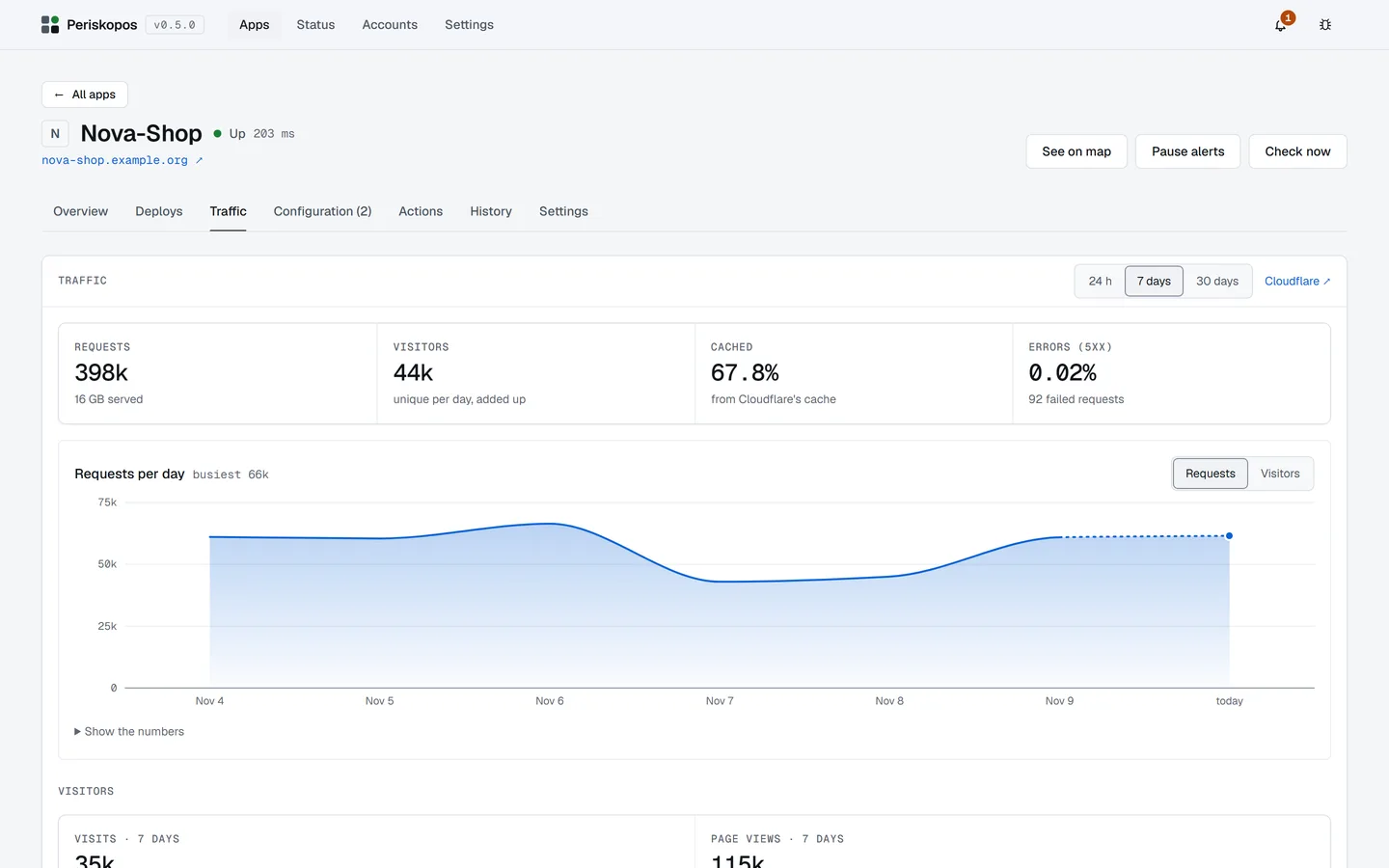
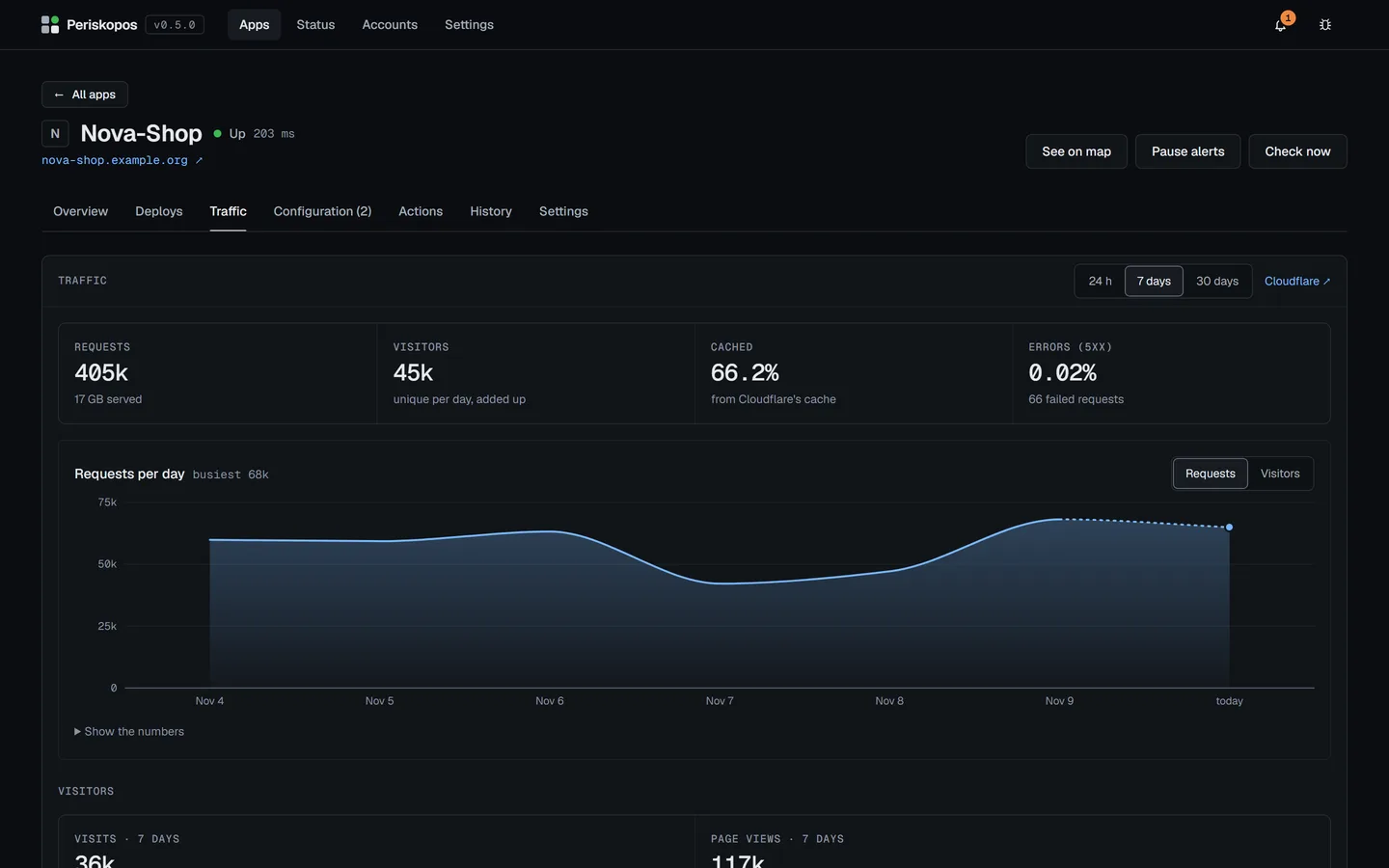
- Traffic, on the app’s Traffic tab: requests, visitors, cached share and errors for 24 h, 7 or 30 days, plus visitors and top pages from Cloudflare Web Analytics when it’s switched on for the site.
- Purge cache is an action (with “Allow actions” on the account, and the token’s Cache Purge permission).
A Workers Free account’s daily request allowance is watched too: see Free plan limits.