
Notifications
When an app fails two checks in a row you get one notification, and one when it’s back up. Clicking it opens the app’s page. Settings has a Send a test notification button, which always gets through and tells you if real alerts are switched off.
- Windows: native notifications, nothing to install.
- macOS: works as is; to make clicking a notification open the app’s
page, install
terminal-notifier:
brew install terminal-notifier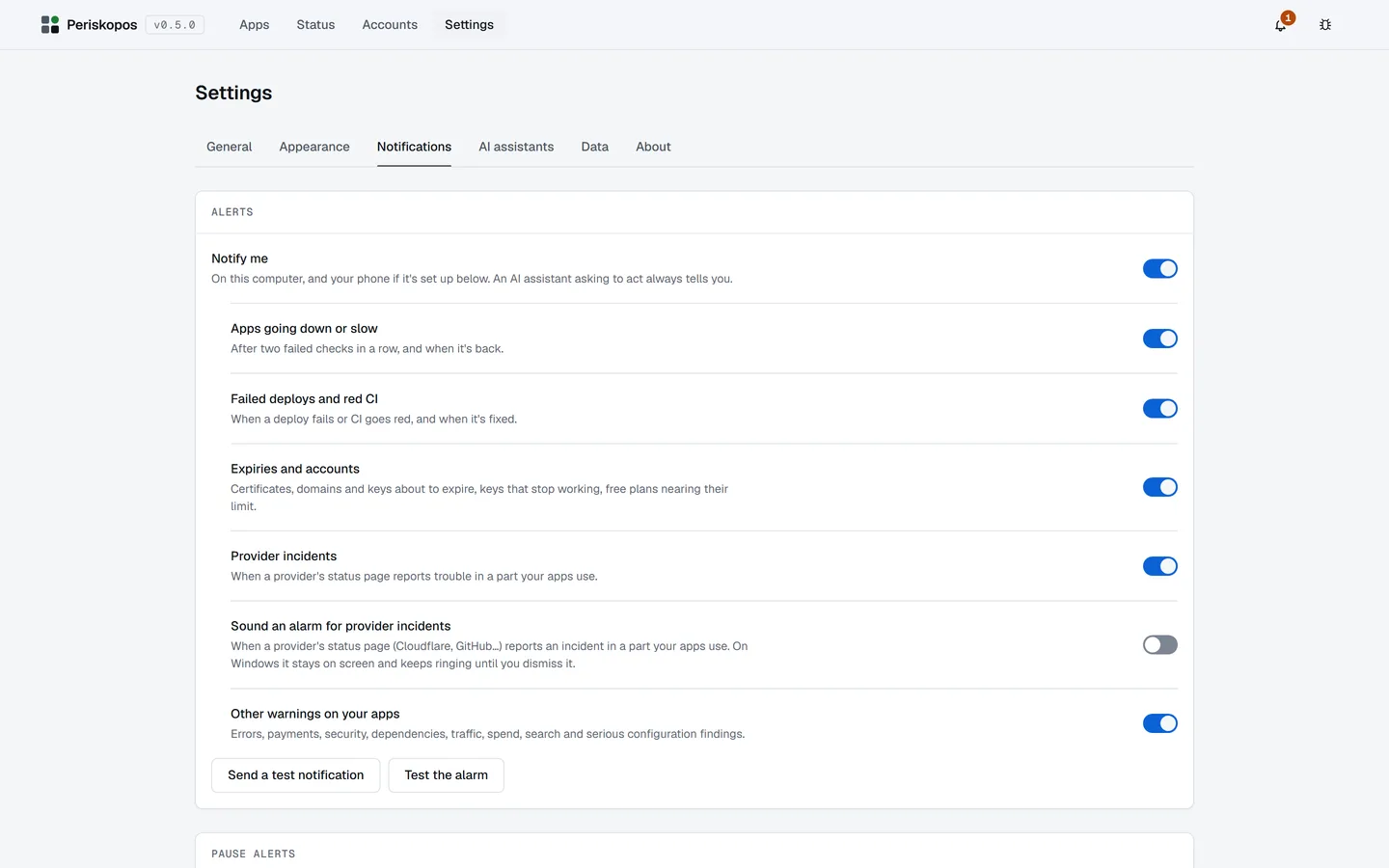
Choose what alerts you
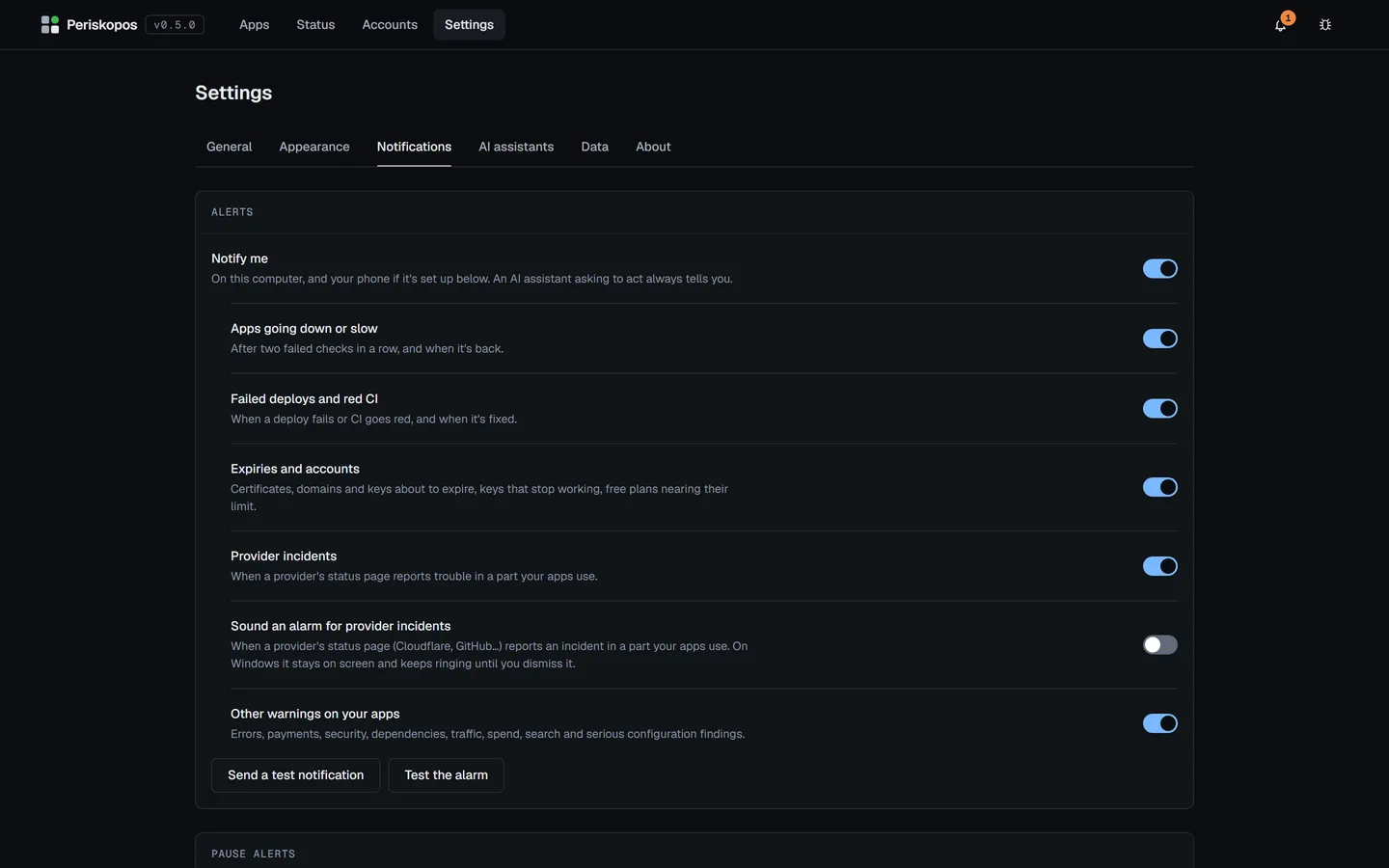
Section titled “Choose what alerts you”Notify me is the main switch. Under it, each kind of alert has its own:
- Apps going down or slow: after two failed checks in a row, and when it’s back.
- Failed deploys and red CI: when one happens, and when it’s fixed.
- Expiries and accounts: certificates, domains and keys about to expire, keys that stop working, and free plans nearing their limit.
- Provider incidents: trouble in a part your apps use, on a provider’s status page.
- Other warnings on your apps: errors, payments, security, dependencies, traffic, spend, search and serious configuration findings.
Switching a kind off only stops the alert. The problem is still recorded and still shows in the bell and on the app’s page. With Apps going down or slow off, the bell’s list says you won’t be told when one does.
An AI assistant asking to act always alerts you, whatever these say, because its request can run out while it waits for you.
Pause alerts
Section titled “Pause alerts”For a planned deploy or a night’s sleep, Pause alerts quiets all alerts or one app’s, for 1 hour, 4 hours or until tomorrow morning (8 am). A pause is always for a set time, two days at most, so it can’t be forgotten; Resume ends it early.
You can do this in Settings → Notifications, or for one app with the Pause alerts button on that app’s page. While a pause is on, the app’s page says so on every tab, with Resume beside it.
While alerts are paused:
- Periskopos keeps checking, records every problem, and the bell keeps showing them. Its list also says how long the pause has left.
- Nothing arrives on your phone, and the provider alarm doesn’t sound.
- An AI assistant asking to act still alerts you.
- Pausing one app covers everything about it, including its certificate and domain. It doesn’t pause alerts about providers or your accounts’ keys, which aren’t tied to one app.
When a pause ends, one message says what you missed, such as “3 alerts while paused” with the latest three. An app that went down and came back says both. If Notify me is off by then, that message isn’t sent. A kind you’ve switched off isn’t kept for later either, and what was held about an app goes if you delete it or mark it not live. A pause keeps the latest 100 alerts.
The bell
Section titled “The bell”The bell in the title bar has a count when something needs looking at, red if anything is down. It opens what’s wrong now (each app with an open problem and for how long, and each account whose key is missing, failing or expiring within 14 days) and what recovered in the last day; each line opens where to look. It only reads what’s recorded, so opening it never runs a check.
On your phone too
Section titled “On your phone too”Settings → Phone alerts sends the same alerts through one of:
- ntfy: the free ntfy app (Android, iPhone), subscribed to a long random topic only you know (Settings makes one up).
- Telegram: a bot you create with @BotFather; send it one message and Find my chat links it to you.
- Email, through Resend, from an address on a domain you’ve verified there.
The topic, bot token or API key goes into the keys file like every other key; only each alert’s text leaves the PC. Send a test shows exactly what went wrong if anything does.
Phone alerts follow your choices and any pause, except an AI assistant asking to act, which always tells you. Like everything else, they only go out while Periskopos is running.
For incidents at your providers, see Providers’ status pages, which can also sound an alarm.