
Limits and approvals
Never allow run_action
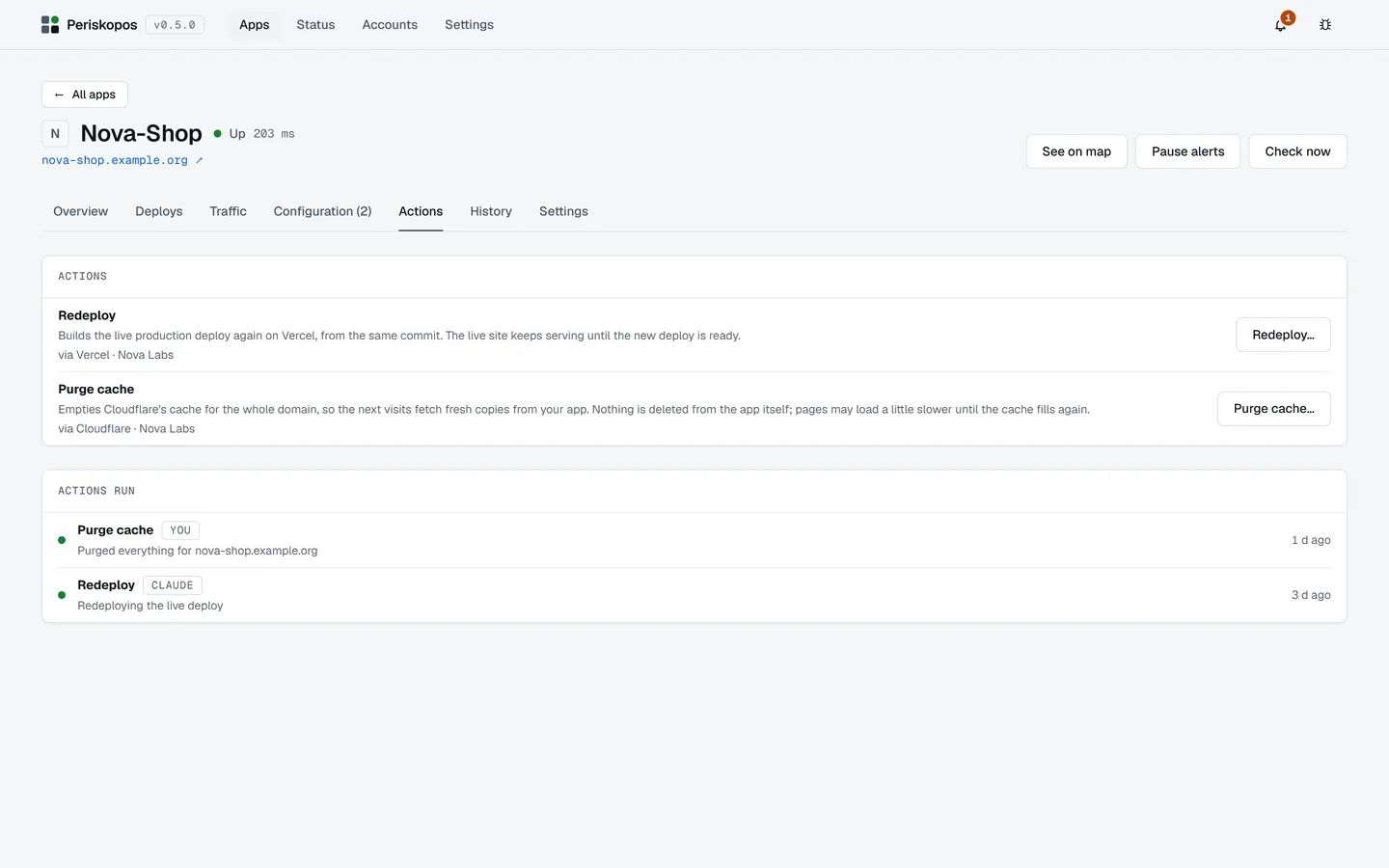
Section titled “Never allow run_action”run_action changes production (redeploy, purge cache, an app’s own
buttons), so leave it out of your tool’s allow list and it asks you every
time. It also refuses unless the account was switched to Allow actions
on the Accounts page, never starts a second deploy on top of a running one,
and every run is recorded with who started it.
No assistant can add, edit or delete apps or accounts, and no tool ever returns a key or token.
Periskopos asks you too
Section titled “Periskopos asks you too”Whatever your tool’s settings, an assistant’s run_action waits for you: a
notification, and a dialog in every open Periskopos window naming the tool,
the app and the action. Approve, and it runs; decline or leave it for 2
minutes, and nothing runs and the attempt is recorded.
This holds whichever assistant is calling and however its client is configured, auto modes included. Dangerous actions always need the screen: you type the app’s name.
Every assistant has limits
Section titled “Every assistant has limits”This PC included:
- What it sees: all apps, or only some (the others don’t exist as far as it can tell).
- What it may do: only read, or also ask for actions.
- A rule per action: Ask me (the default), Allow without asking, or Never. A dangerous action can’t be set to Allow.
- Approve, and allow for 1 hour in the approval dialog lets that action run unasked for an hour; the assistant’s card lists it with End now.
- Activity lists every request each assistant made and what came of it (kept 90 days), exportable as CSV or JSON.
- Turn off This PC refuses every setup without a token until you turn it back on.
An assistant with its own token
Section titled “An assistant with its own token”Only when a tool needs different limits from the rest: Add one with its
own token shows its setup once, a claude mcp add --env PERISKOPOS_AGENT_TOKEN=… command and JSON with the token. Only the token’s
hash is stored. Revoke stops that token at once and withdraws whatever
it’s waiting on.
The tokens
Section titled “The tokens”The MCP server uses the token file in the data folder, which can only read
and ask for actions, and only while Settings lets assistants in. The app’s
window uses a separate key that exists only in memory. The
security model explains what this protects
against and what it doesn’t.