
The protocol
Everything else in Periskopos works from the outside, through your providers’ APIs. The protocol is the one optional thing an app does itself: an endpoint that reports the app’s own numbers (accounts, orders, sign-ups) and offers its own buttons (purge a cache, rebuild an index). Periskopos generates the code.
Adding it to an app
Section titled “Adding it to an app”- App → Settings → Protocol → Add the protocol → choose Metrics and/or Actions → Generate code.
- Save the file it shows in the app (for a Supabase Edge Function:
supabase/functions/periskopos/index.ts) and fill in the three functions marked FILL IN. Return counts and short text only. - Run the two commands it shows (they use the Supabase CLI). The secret in them is shown only once; it is also in your keys file.
- Paste the function’s address and Test connection.
Periskopos never writes into the app’s repository for you: adding the file there is your release to make. Generating again rotates the secret.
A complete example: an app’s own numbers from Supabase.
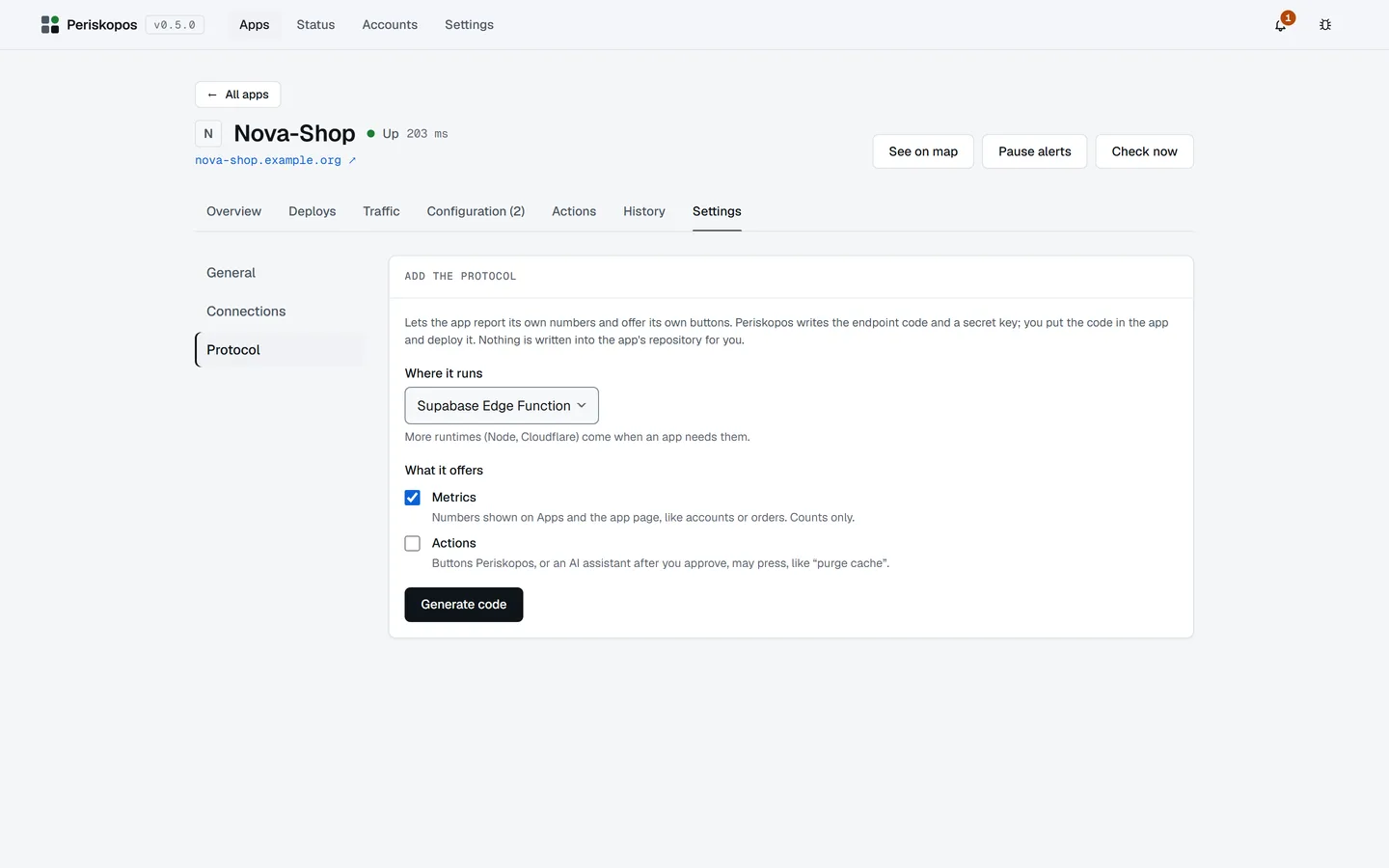
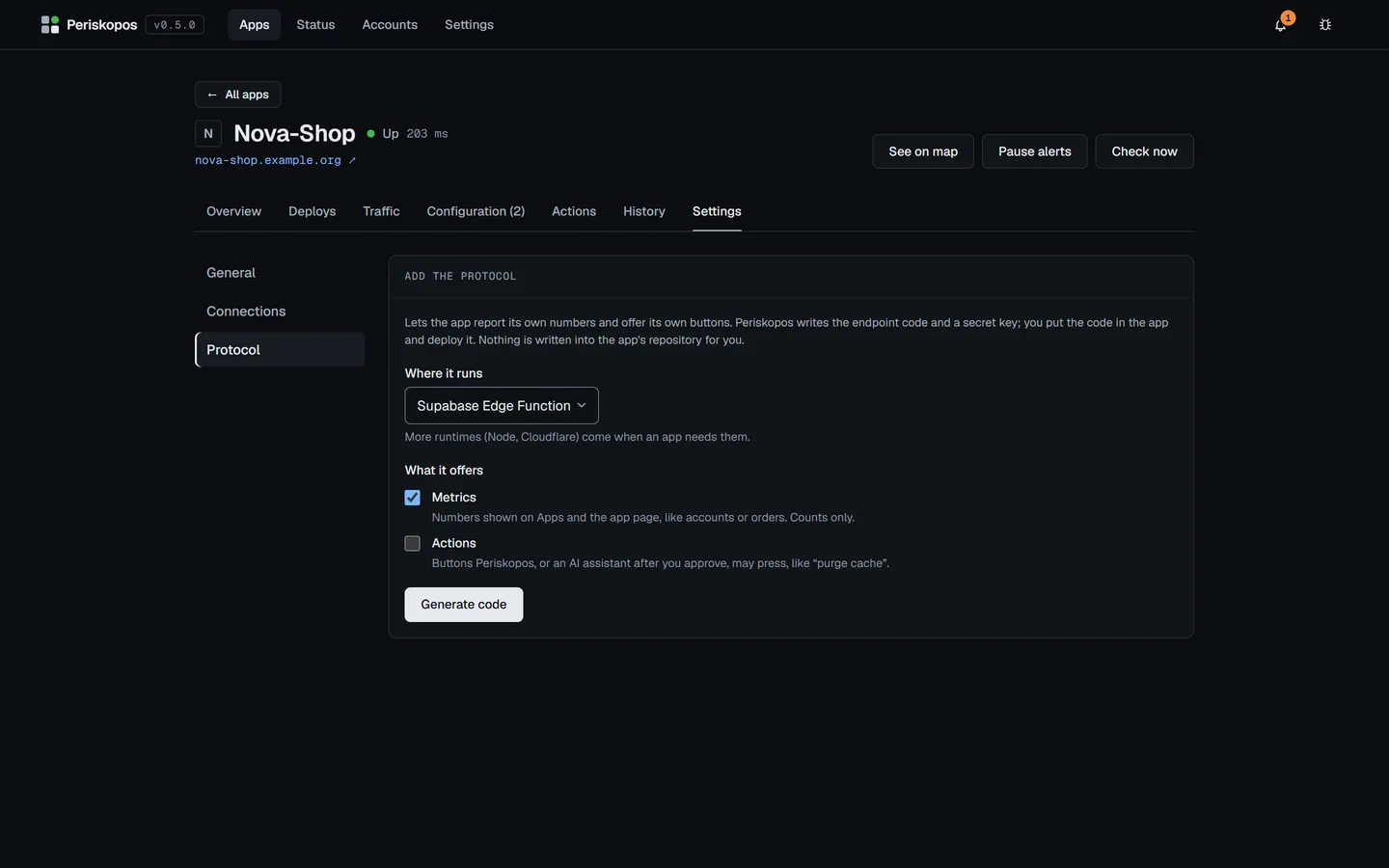
The protocol, version 1
Section titled “The protocol, version 1”Transport and auth. HTTPS and JSON, under the app’s endpoint. Every
request carries Authorization: Bearer <secret>. The app answers 401 for
a missing or wrong secret, compared in constant time. No CORS headers. The
generated endpoint refuses everything unless its secret is set (it fails
closed), and answers under any path prefix.
Manifest
Section titled “Manifest”GET {endpoint}/manifest, required:
{ "protocol": 1, "app": { "name": "My App", "version": "1.4.0", "commit": "a1b2c3d" }, "capabilities": ["metrics", "actions"]}Periskopos shows a panel for each capability it knows and ignores the rest, so an app can be ahead of it.
Metrics
Section titled “Metrics”GET {endpoint}/metrics:
{ "metrics": [ { "id": "users", "label": "Accounts", "value": 128 }, { "id": "orders", "label": "Orders today", "value": 12, "hint": "since 00:00 UTC" } ], "at": "2026-10-06T12:00:00Z"}Numbers and short strings only, never personal data. They’re shown on the app’s page, and the first three on its card in Apps.
Actions
Section titled “Actions”GET {endpoint}/actions:
{ "actions": [ { "id": "purge-cache", "label": "Purge cache", "description": "Forces clients to refetch data files.", "confirm": true, "danger": false } ]}POST {endpoint}/actions/{id} runs one and answers
{ "ok": true, "message": "Purged 12 files." }. The app’s buttons appear
beside Periskopos’s own actions, confirmed the same way; a danger action
needs the app’s name typed, and AI assistants can only
ask to run them.
Errors
Section titled “Errors”Any non-2xx response has the body { "error": "…" }. A failing or
unreachable endpoint shows an error on its panel, and never breaks the page.
How it grows
Section titled “How it grows”- A capability enters the protocol only once two apps need it, with its
shape drawn from both. Until then, apps use
x-names, served atGET {endpoint}/x-<name>, which Periskopos shows as plain JSON. - Breaking changes bump
protocol; Periskopos supports the current and the previous version. - The generator’s templates are the reference implementation.