
Where things live
- The data folder (tray → Open data folder): the registry
(
periskopos.db), its daily copies (backups/, see Backups), the agent token (token: read, and ask for actions, while AI assistants are let in) and the logs. The installed app keeps it in your profile; run from a checkout, it’s the checkout’sdata/. Run from a checkout,PERISKOPOS_DATA_DIRpoints it at another folder, e.g. to try things without touching the real registry; the installed app always uses its own. - The keys file,
.env.localin your profile’s Periskopos folder (see Keys). The installed app keeps it encrypted; a checkout’snpm startcan’t read that, so give it a file of its own withPERISKOPOS_ENV_FILE. - The server listens on
127.0.0.1only, and every API call needs a key: the app’s session key (made fresh each launch, kept only in memory) or the agent token.
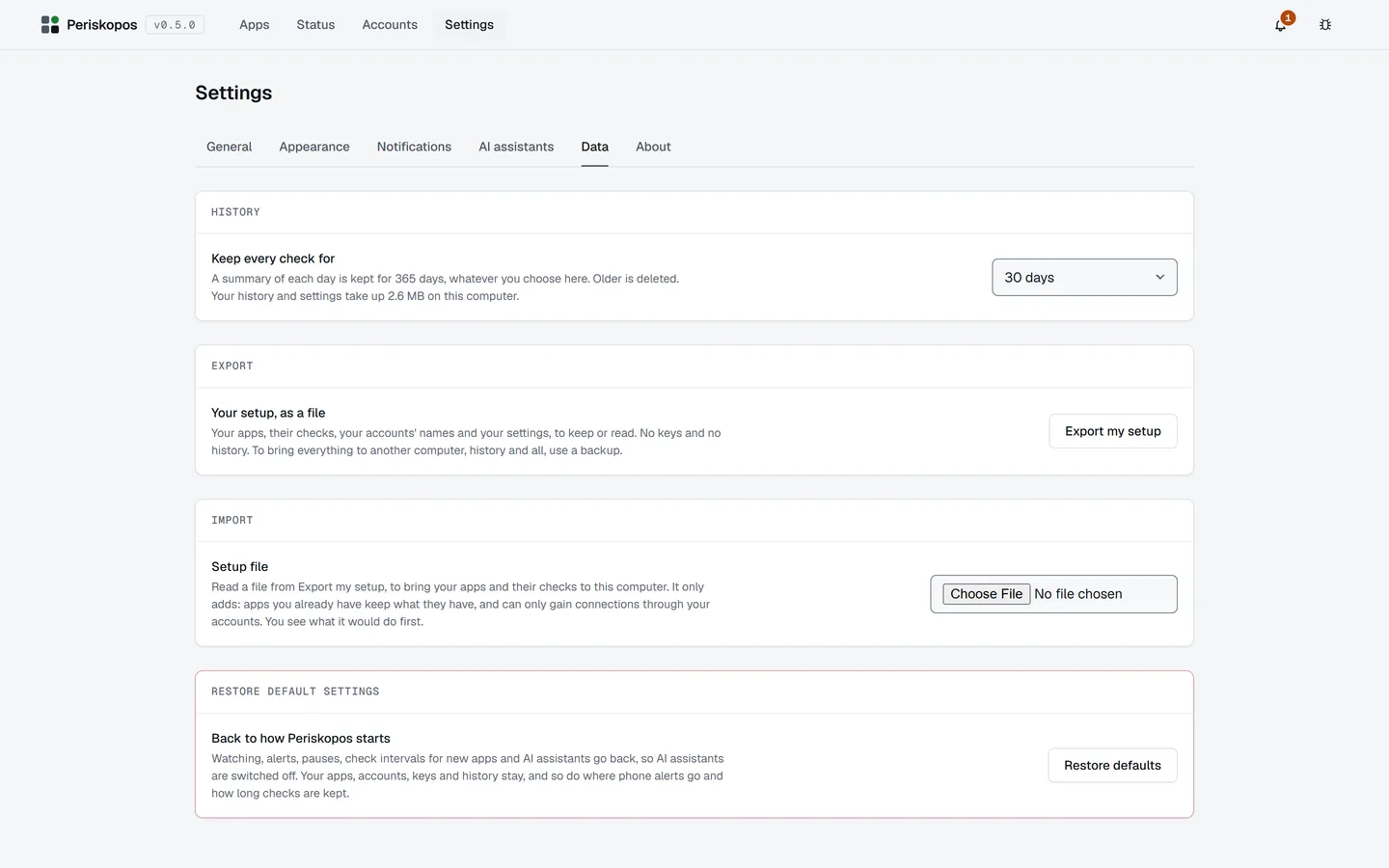
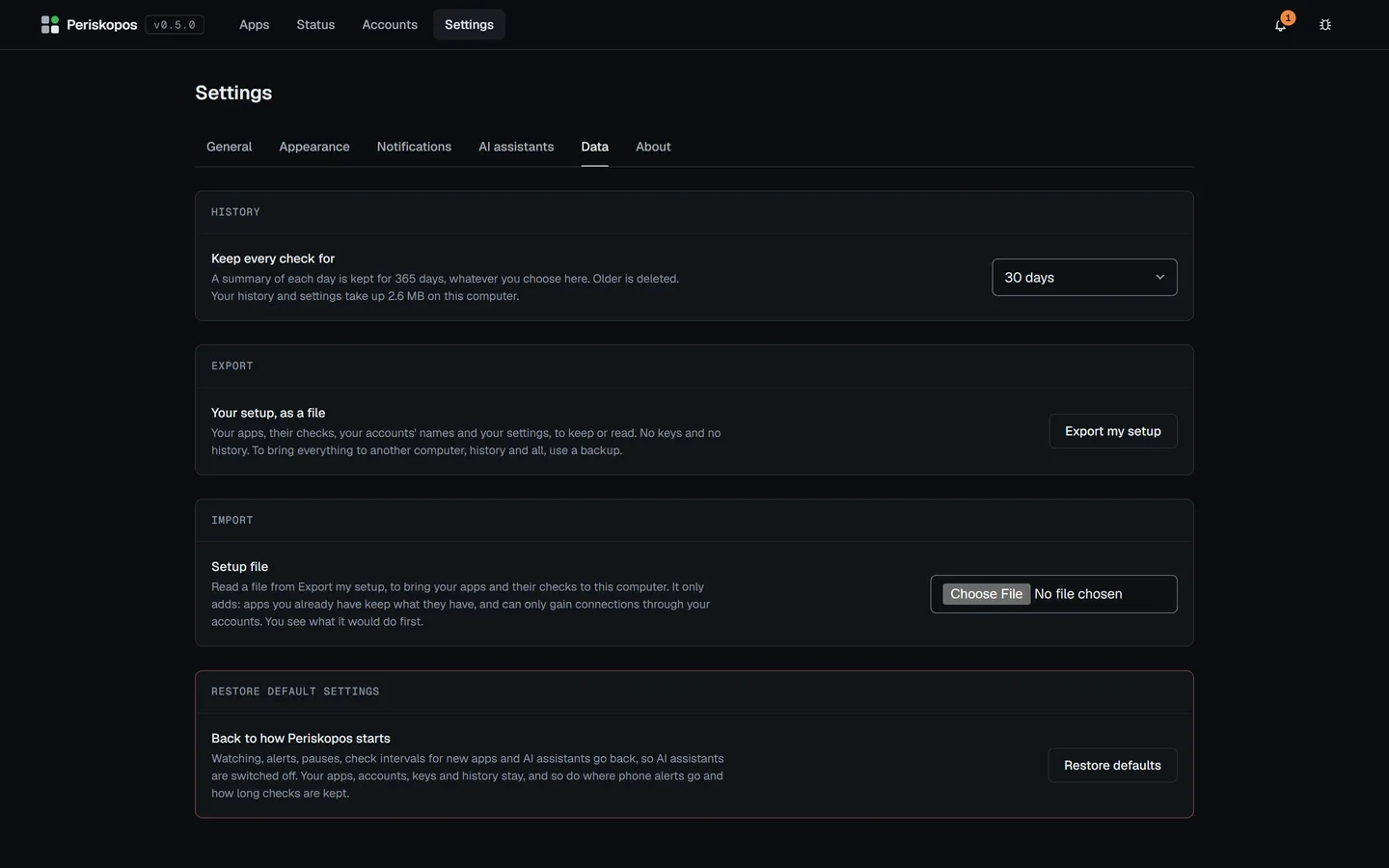
Settings → About shows where the data folder and the keys file are.
Moving from a checkout to the installed app
Section titled “Moving from a checkout to the installed app”Copy periskopos.db and token from the checkout’s data/ into the
installed app’s data folder (tray → Open data folder), with Periskopos
quit, to bring your registry across. The keys file is the same one: the
installed app reads it as it is and encrypts it.
Reporting a problem
Section titled “Reporting a problem”The bug button at the top right, or Help → Report an issue (the ☰ button or Alt on Windows and Linux), copies the diagnostics and opens the bug form on GitHub, to paste them into. They give the version, the system, what kinds of accounts are connected, how the World has run (frame times, how far it cut its detail, and your graphics card), and the last problems and crashes, with keys, addresses and app names taken out. Nothing is sent by itself: you see all of it before you submit, and a report on GitHub is public, under your own account. Settings → About → Copy diagnostics copies the same.
A crash of the server, the app or its window is written to crashes.log in
the data folder, so the diagnostics show it after a restart.