Keys
Periskopos only reads with a key unless you switch on Allow actions for that account.
Where keys live
Section titled “Where keys live”Keys live only in .env.local in your profile’s Periskopos folder, outside
any project, so agents working in a repo don’t come across them. They never
go in the database, a backup or the browser. Settings → Data → About
shows the path:
| Windows | %APPDATA%\Periskopos\.env.local |
| macOS | ~/Library/Application Support/Periskopos/.env.local |
| Linux | ~/.config/Periskopos/.env.local |
The installed app keeps the file encrypted, with a key locked by your system’s
store for secrets (Windows ties it to your sign-in, macOS keeps it in the
Keychain, Linux in the desktop’s keyring), so a copy of the file, in a backup
or a synced folder, shows no keys. To add one by hand, put a KEY=value line
at the end of the file: Periskopos reads it and encrypts it with the rest. On
Linux without a keyring the file stays plain text.
An .env.local left in a checkout from before is moved there the first time
Periskopos starts. PERISKOPOS_ENV_FILE points at another file. To fill it
by hand, start from
.env.example.
Connecting an account
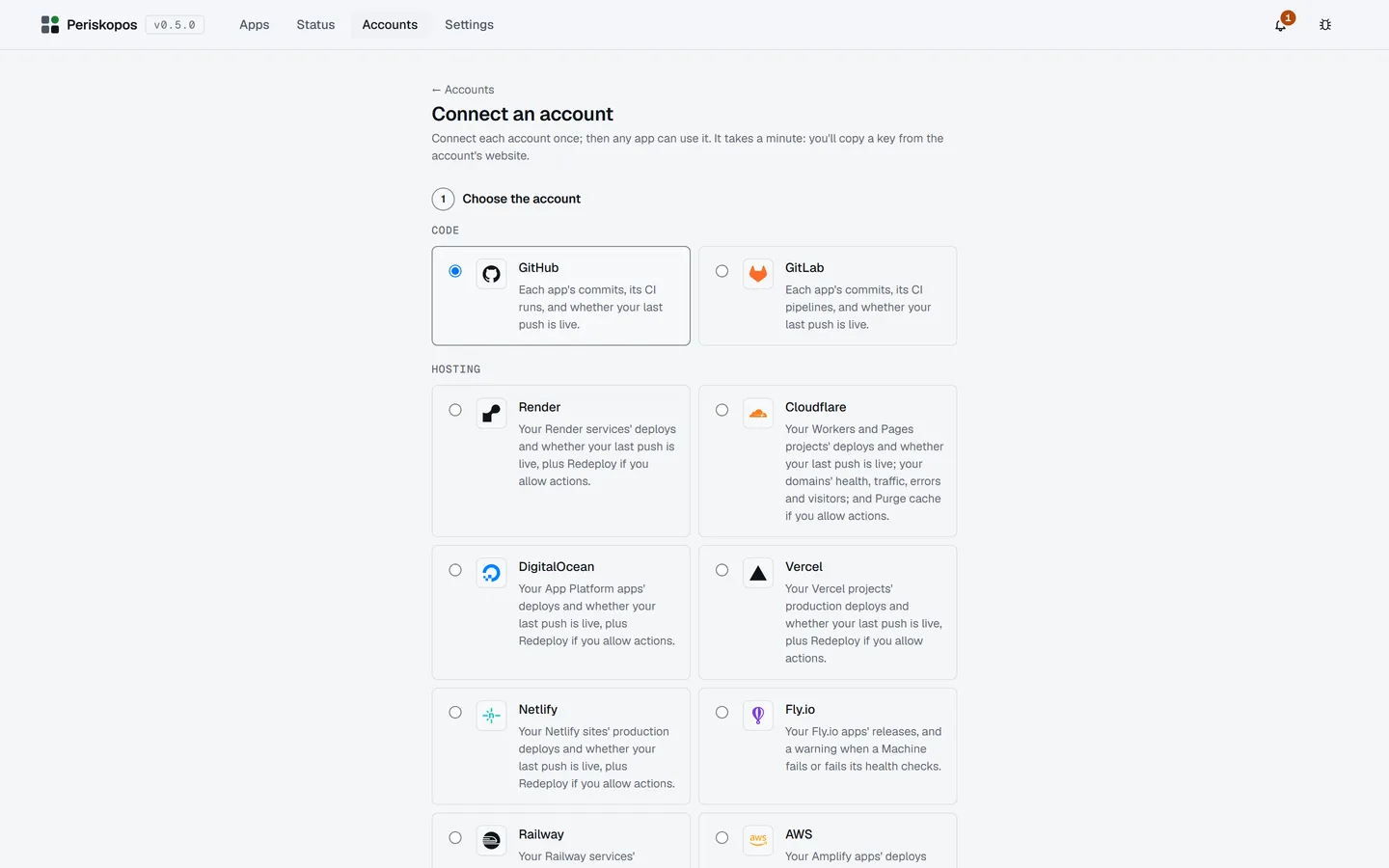
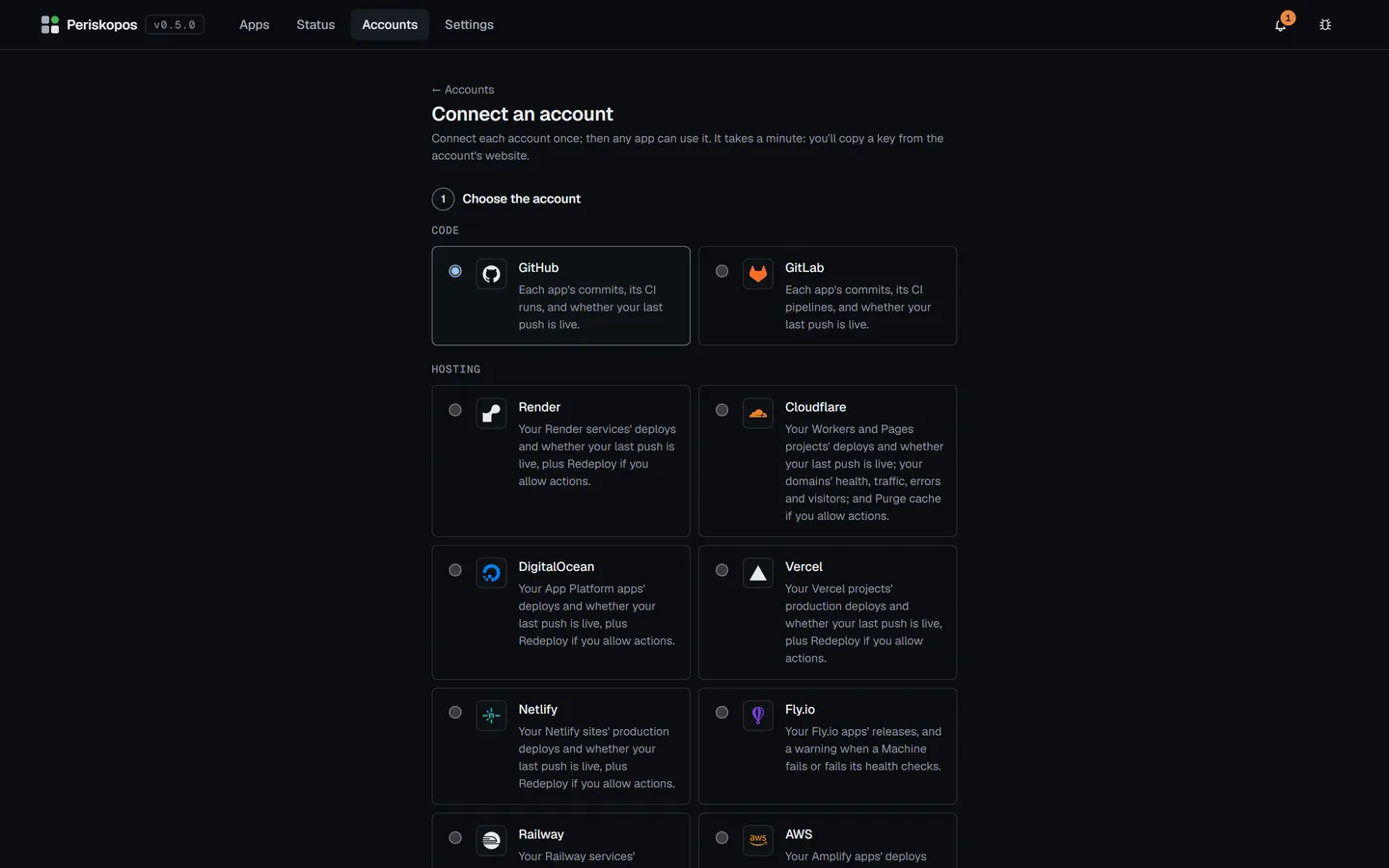
Section titled “Connecting an account”Easiest: on the Accounts page, Connect an account and paste its key there; it’s saved into the keys file for you. (Naming a variable already in the file is under Advanced.) Then connect apps to it from their Settings, or from Get more from this app on their Overview.
Providers lists the key each account needs and the exact permissions to give it.